
Free AI Photo Editor & Virtual Staging for Every Industry


Starting photoAn empty room. Turn the dial to edit it.
Add FurnitureOne sofa group placed. The rest of the room is untouched.Open Add Furniture
Virtual StagingThe whole room furnished in one pass.Open Virtual Staging
Holiday DecorThe staged room, dressed for the holidays.Open Holiday Decor
Starting photoA house on an overcast day. Turn the dial.
Sky ReplacementA clear sky. The house stays as it is.Open Sky Replacement
Exterior RenderingThe same house with a charcoal and wood facade.Open Exterior Rendering
Season ChangeThe same street in winter.Open Season Change
Day to DuskEvening light, with the windows lit.Open Day to Dusk
Starting photoA pencil sketch on lined paper. Turn the dial.
Sketch to Floor PlanRedrawn with straight walls, doors and room names.Open Sketch to Floor Plan
3D Floor PlansThe same layout as a furnished 3D cutaway.Open 3D Floor Plans
Roomagen is an AI-powered photo enhancement and virtual staging platform with 40+ tools — used across real estate, interior design, hospitality, e-commerce and architecture. Results usually in under a minute. Start on the free plan: 6 one-time credits, no credit card required.
Start FreeNo credit card requiredView All Tools (40+ tools)
Press and hold the photo to see the original.
Demo examples: the before images were created with AI for this site; they are not customer photos.
Floor plans, from a pencil sketch to 3D
Photograph a hand drawing, a paper sketch or an old blueprint. Roomagen redraws it as a clean digital plan and can turn the plan into a furnished 3D view. Measurements the AI adds are estimates, so check them against the original.


A pencil sketch, photographed on a desk.
Redrawn with straight walls, doors and room names.
The same plan, furnished, as a 3D cutaway.
Demo examples: the before images were created with AI for this site; they are not customer photos.
Floor plan tools
Design Companion
Upload a photo or a plan and say what to change. Each answer explains its design reasoning, and every version stays in the history.
Open Design Companion


Original3D furnished3D emptyDark wood


OriginalTidiedNew sofaRestyled


OriginalNavy wallsWood floorHome office
- You:
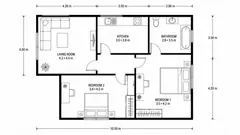
Here's the flat's floor plan.
Design Companion
Two bedrooms, a living room, a kitchen and a bathroom. How would you like to see it?
- Continued from the original
- You:
Show it in 3D, furnished
Design Companion
Design reasoning
I kept the walls and doors where the plan has them and furnished each room for its use: a sofa in the living room, a bed in each bedroom.
- Continued from the original
- You:
Show the rooms empty
Design Companion
Design reasoning
The same layout with nothing inside, so each room's floor and doors read clearly.
- Continued from the original
- You:
Dark floors, a modern kitchen
Design Companion
Design reasoning
Dark wood floors and a kitchen island give the same layout a more modern feel.
- All three versions are in the history. Tap one to compare.

- You:
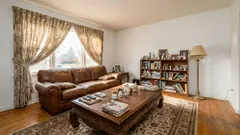
Our living room, for the listing.
Design Companion
Big window, good daylight. Where shall we start?
- Continued from the original
- You:
Clear the table and shelves
Design Companion
Design reasoning
I took the magazines off the table and the ornaments off the bookcase. The furniture and the light stay as they were.
- Continued from the original
- You:
Try a modern sofa
Design Companion
Design reasoning
A dark velvet sofa in place of the leather one, and a glass table in place of the wooden one. The curtains and the window stay.
- Continued from the original
- You:
Restyle the whole room
Design Companion
Design reasoning
Sheer curtains, a light corner sofa and floating shelves. The window and the wood floor stay.
- All three versions are in the history. Tap one to compare.

- You:
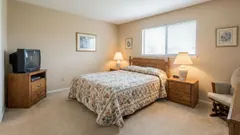
I'd like to refresh my bedroom.
Design Companion
A warm room with carpet. What shall we change first?
- Continued from the original
- You:
Paint the walls navy
Design Companion
Design reasoning
I painted the walls navy. The ceiling, the carpet and the furniture stay as they were.
- Continued from the original
- You:
Wood floor instead of carpet
Design Companion
Design reasoning
I replaced the carpet with a light wood floor and laid a small rug by the bed.
- Continued from the original
- You:
Turn it into a home office
Design Companion
Design reasoning
I took out the bed and put a desk under the window and a bookcase in the corner. The wall colour and the carpet stay.
- All three versions are in the history. Tap one to compare.

Pick a suggestion in this example. In the app, you type your own.
Press and hold the photo to see the original.
A prepared example: the images were made with Roomagen's tools; the replies were written for this page. Each edit is AI-generated, so compare it with your original before you publish.
Demo examples: the before images were created with AI for this site; they are not customer photos.
Made for everyone who works with photos
Built for real estate, hospitality, e-commerce, interior design, architecture and photography: 15+ industries, in 9 languages.
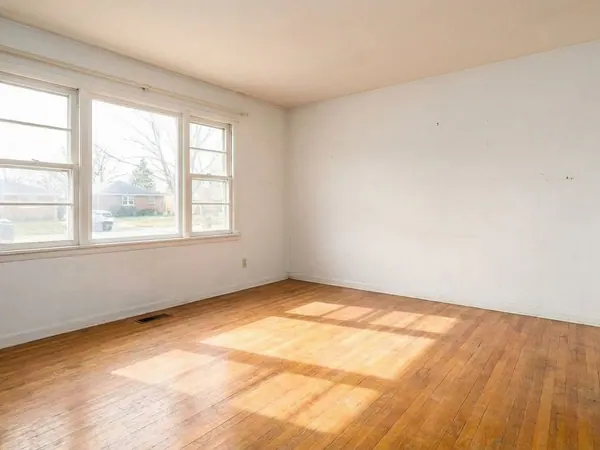
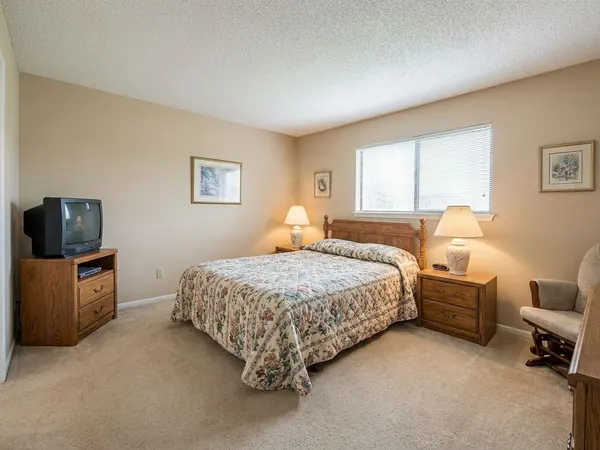
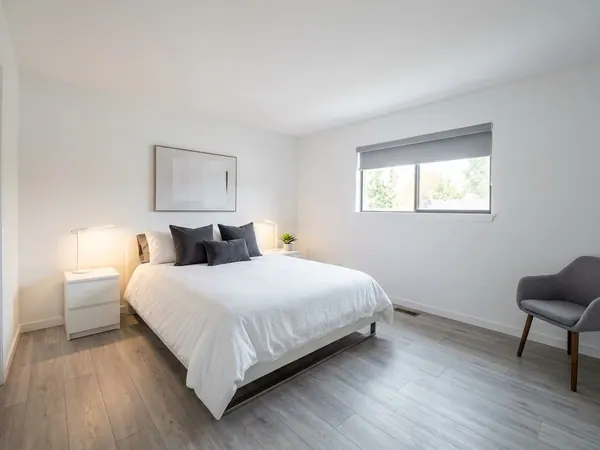

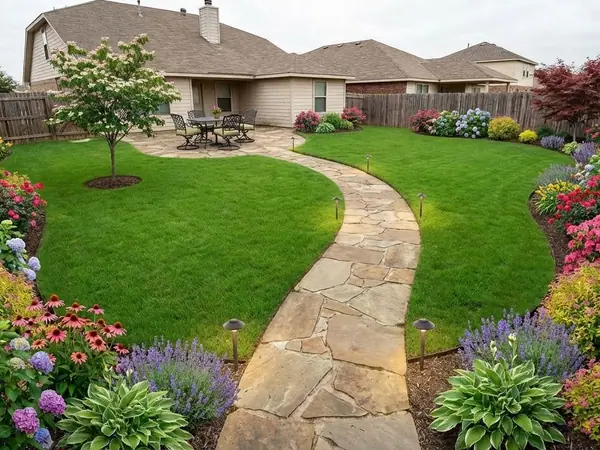
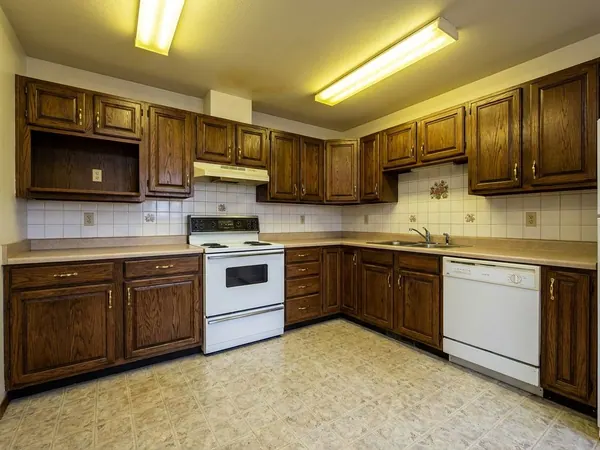
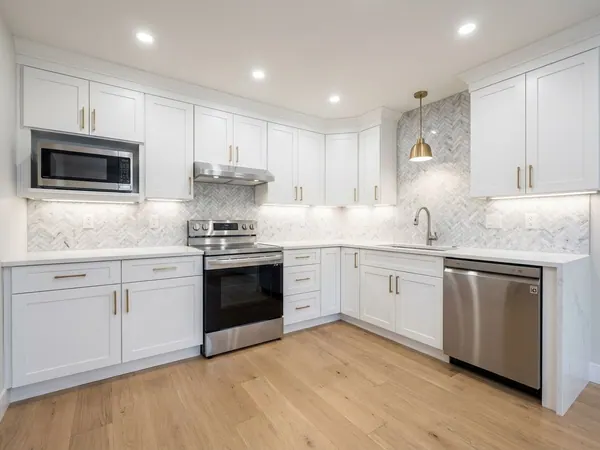
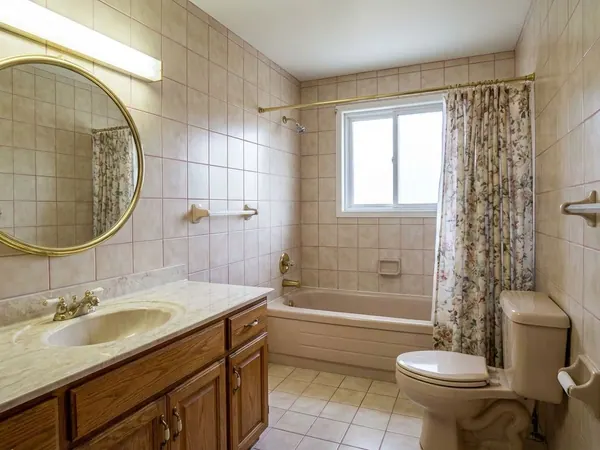
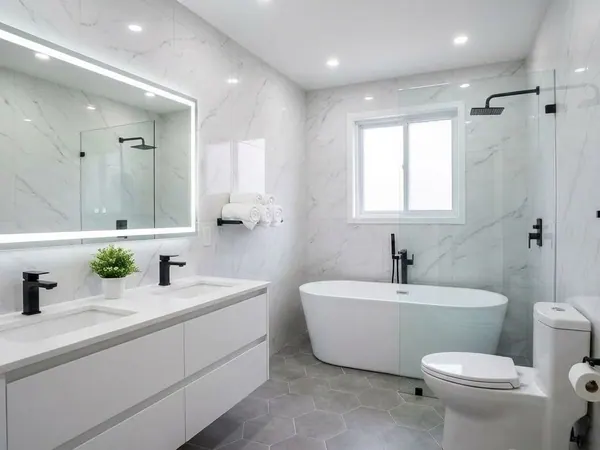
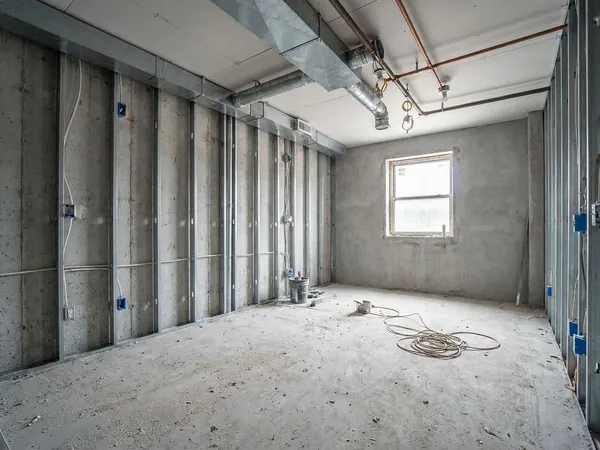
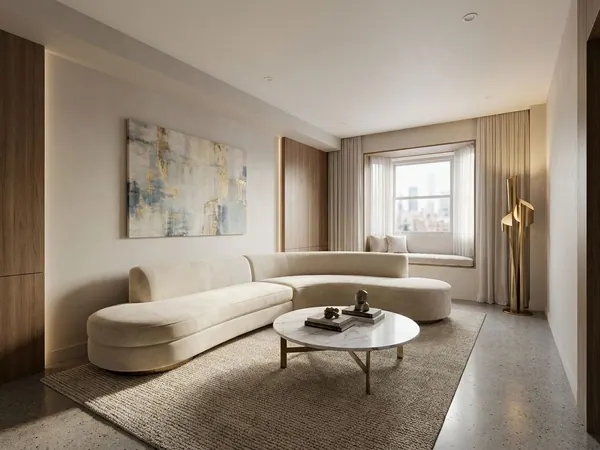
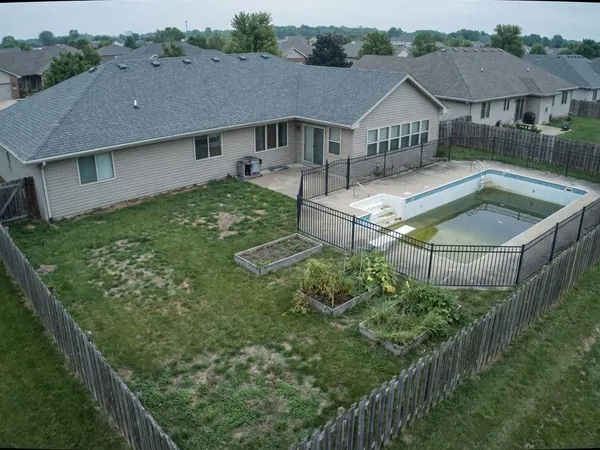
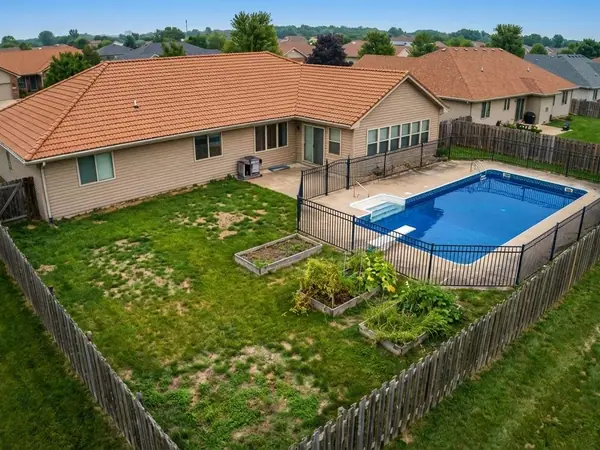




Most tools finish an image in about 20–30 seconds, and virtual staging in about 45–60 seconds. On paid plans, batch processing runs one tool on several photos at once.
Virtual Staging
Transform empty rooms into beautifully furnished spaces with our AI-powered virtual staging. Choose from multiple design styles including modern, contemporary, minimalist, and traditional to match any property aesthetic.
Image Enhancement
Automatically enhance your photos with professional-grade adjustments. Our AI optimizes lighting, color balance, sharpness, and clarity to make every image stand out — from property listings to product shots and hotel rooms.
Object Removal
Seamlessly remove unwanted objects, clutter, and distractions from any photo. Our AI intelligently fills in the background to create clean, professional images for listings, portfolios, and marketing materials.
Day to Dusk Conversion
Convert daytime exterior shots into stunning twilight images that showcase any building at its most appealing. Create that coveted 'golden hour' look automatically for properties, hotels, restaurants, and commercial spaces.
For Real Estate Agents
Furnish empty rooms and tidy busy ones for your listings. Virtual staging helps buyers envision their future home.
- Show empty rooms furnished in 13 styles
For Airbnb & Rental Hosts
Refresh your listing photos without a new shoot. Virtual staging and decluttering help guests visualize their perfect getaway.
- Refresh listing photos without a new shoot
- Create seasonal versions of your photos
- Remove clutter between guest turnovers
For Photographers
Add virtual staging, advanced enhancement and faster turnaround to your work across real estate, hospitality and commercial photography.
- Add virtual staging to your services
- Batch-edit up to 20 photos at once
For Interior Designers
Visualize your design concepts quickly and communicate ideas effectively to clients. Use virtual staging to showcase different design options and styles.
- Present design concepts visually
- Experiment with different styles
For Homeowners
Visualize renovations before you commit, preview paint colors, test flooring options, and plan landscaping changes — all from your smartphone photos.
- Preview renovations before spending
- Test paint colors on your actual walls
- Plan landscaping and outdoor changes
Edit property, hotel, product and interior photos with 40+ AI tools.
Demo examples: the before images were created with AI for this site; they are not customer photos.
Plans and prices
Free
$0
Try Roomagen with 6 free credits
- 6 one-time credits (3 images)
- All 40+ AI tools
- No credit card required
- Watermark on images
- Community support
- 5 gallery slots
- 3-day data retention
- One photo at a time
Starter
$12$10/mo
Billed once a year: $120
For individuals getting started
- 60 credits/mo (30 images)
- All 40+ AI tools
- HD resolution output
- No watermark
- Email support
- 100 gallery slots
- 30-day data retention
- Batch processing: 3 photos at once
Recommended
Pro
$29$24.17/mo
Billed once a year: $290
For growing teams and agencies
- 200 credits/mo (100 images)
- All 40+ AI tools
- Ultra HD resolution output
- No watermark
- Priority support
- 500 gallery slots
- 180-day data retention
- Batch processing: 7 photos at once
Business
$79$65.83/mo
Billed once a year: $790
For large teams and organizations
- 700 credits/mo (350 images)
- All 40+ AI tools
- Ultra HD resolution output
- No watermark
- Dedicated support
- 2,000 gallery slots
- No time limit on storage
- Batch processing: 20 photos at once
Prices are in US dollars. Tax or VAT may be added at checkout, depending on your country.
About 17% less than 12 monthly payments.
Pay per image instead of per project: monthly plans work out to $0.23–$0.40 per image, with no furniture rental, transport or editing fees.
Email Support
Write to support@roomagen.com. We answer Monday to Friday, 9:00 AM – 6:00 PM (GMT+3), and usually reply within 24 hours. Tutorials and guides are available anytime.
Frequently Asked Questions
What is Roomagen and how does virtual staging work?
Roomagen is an AI-powered platform that transforms photos through virtual staging, image enhancement, and object removal. Used by professionals across real estate, hospitality, e-commerce, interior design, and photography, our AI analyzes your photos and adds photorealistic furniture, decor, and enhancements. Upload a photo, select a room type and design style, and the staged image is usually ready in under a minute — no design skills required.
How does AI virtual staging compare to traditional physical staging?
A staging service costs a median of $1,500 (NAR 2025 Profile of Home Staging), and the furniture has to be rented, delivered and set up. With Roomagen, a staged image costs $0.23–$0.40 on monthly plans and is usually ready in under a minute, and you can try several styles on the same photo. Virtual staging shows what a room could look like, so label it as your listing rules require.
How realistic are the virtually staged images?
Results are photorealistic: the AI keeps the room's perspective, lighting and shadows so furniture sits naturally in the space. Like any generative AI, it can occasionally get a detail wrong, such as an odd object or a changed fixture, so compare each result with your original before you publish. For empty-room staging you can type a correction with Refine, or run the photo again with other settings.
What room types and design styles can I stage?
You can stage 15 room types: living room, bedroom, kids room, studio, kitchen, dining room, home office, dressing room, laundry room, bathroom, hallway, entryway, balcony, terrace and garage. Choose from 13 design styles: Modern, Scandinavian, Minimalist, Industrial, Traditional, Farmhouse, Mid-Century Modern, Coastal, Luxury, Bohemian, Japandi, Art Deco and Mediterranean. The style sets the furniture and decor, and two switches can also change the wall color and flooring to match.
Is virtual staging legal? Do I need to disclose it?
Generally yes, if the photos do not mislead. Roomagen adds no disclosure label by default, but many MLSs and laws like California's AB 723 require one: add the label your MLS asks for, often in the photo description, and show or link the original where your MLS or the law requires it. You can turn on a small “AI” badge for downloads in Settings.
Do edited images meet MLS and listing platform rules?
It depends on your MLS or platform: some want a label in the photo description, some on the image, and some forbid edits to the property. Roomagen adds no label by default, so check the rules, add the label they ask for, and show or link the original where they require it.
What image formats and sizes are supported?
You can upload JPEG, PNG or WebP files up to 50 MB each. HEIC and RAW files are not accepted, so export them to JPEG first; phone photos work well. Results download as JPEG files: 2K on paid plans, and 4K on the Pro and Business plans for most tools (virtual staging stays at 2K).
How long does processing take?
Most tools take about 20–30 seconds per image. Virtual staging and Day to Dusk take longer, usually under a minute. On paid plans, batch processing runs one tool on several photos at once: up to 3, 7 or 20 photos per batch, depending on the plan.
Can Roomagen remove existing furniture or clutter from photos?
Yes! Our 'Empty Your Space' tool uses AI to remove existing furniture, personal items, and clutter from room photos, replacing them with clean floors and walls. This is perfect for preparing photos for virtual re-staging with a different style, removing tenant belongings, or creating a blank canvas. You can also use our Object Removal tool to selectively remove specific items while keeping the rest of the scene intact.
Does Roomagen work for exterior and outdoor photos?
Absolutely. Roomagen offers several exterior-specific tools: Day to Dusk conversion transforms daytime shots into dramatic twilight images, Sky Replacement swaps overcast skies for clear blue or sunset scenes, and Virtual Landscaping adds or enhances lawn, gardens, pools, and hardscaping. These tools create curb appeal for property listings, hotel exteriors, restaurant facades, and commercial buildings.
Are my uploaded photos private and secure?
Uploads and results are sent over encrypted connections. Your results stay in your Library for as long as your plan keeps them (3 days on Free, 30 on Starter, 180 on Pro, with no time limit on Business) and are then deleted automatically, together with the photos you uploaded for them. To create edits, images are processed by Google's Gemini image models under Google's data-processing terms. Our Privacy Policy explains what we store and your rights.
Will buyers feel misled by virtually staged photos?
When done properly with clear disclosure, virtual staging helps viewers visualize spaces — 83% of buyers' agents say staging makes it easier for a buyer to picture a property as their future home (NAR, 2025). The same principle applies to hotel rooms, rental units, and commercial spaces. The key is transparency: label staged images clearly and include originals. Roomagen adds no label by default, so add the one your listing rules ask for.
What pricing plans are available?
We offer four plans: Free (6 one-time credits), Starter ($12/month, 60 credits), Pro ($29/month, 200 credits), and Business ($79/month, 700 credits). Each tool use costs 2 credits. Yearly billing saves ~17%. All plans include our AI-powered staging and enhancement tools with no hidden fees.
What is your refund policy?
If a generation fails, its credits are returned automatically, but every successful run uses credits, including re-runs with different settings; if a result has a clear defect, write to support@roomagen.com and we review it case by case. On paid plans you can get a full refund within 14 days of your first payment, or 7 days of a renewal, if you've used no more than 15% of one month's credits; if something is broken on our side, we refund the unused part whatever your usage. To ask for a refund, email support@roomagen.com; we review every request. Details, including the earlier terms that still apply to older purchases, are in our Terms of Service.
Do you offer API access for integration?
Yes, through a self-serve API: create a key at developers.roomagen.com and your first key includes 50 free images, which carry a Roomagen watermark until you buy a pack. Prepaid image packs never expire, and renders made after a purchase carry no Roomagen branding. Every tool is documented at developers.roomagen.com/docs/tools, with cURL, Node.js and Python examples.