
Custom Style Virtual Staging in the Design Companion Chat
Roomagen's staging tool offers 13 preset styles; for any other look, such as "rustic Tuscan villa" or "Tokyo minimalist apartment", you describe it in the Design Companion chat, which edits the photo from your words for 2 credits per edit.
Preset design styles cover the most popular aesthetics, but real estate markets vary by region, culture, and demographic. A Miami oceanfront condo needs different staging than a Vermont cabin or a Tokyo-inspired urban loft. In the Design Companion chat you can describe the look you need in plain language, and the AI edits the photo to match.
No credit card required. 6 free credits included.
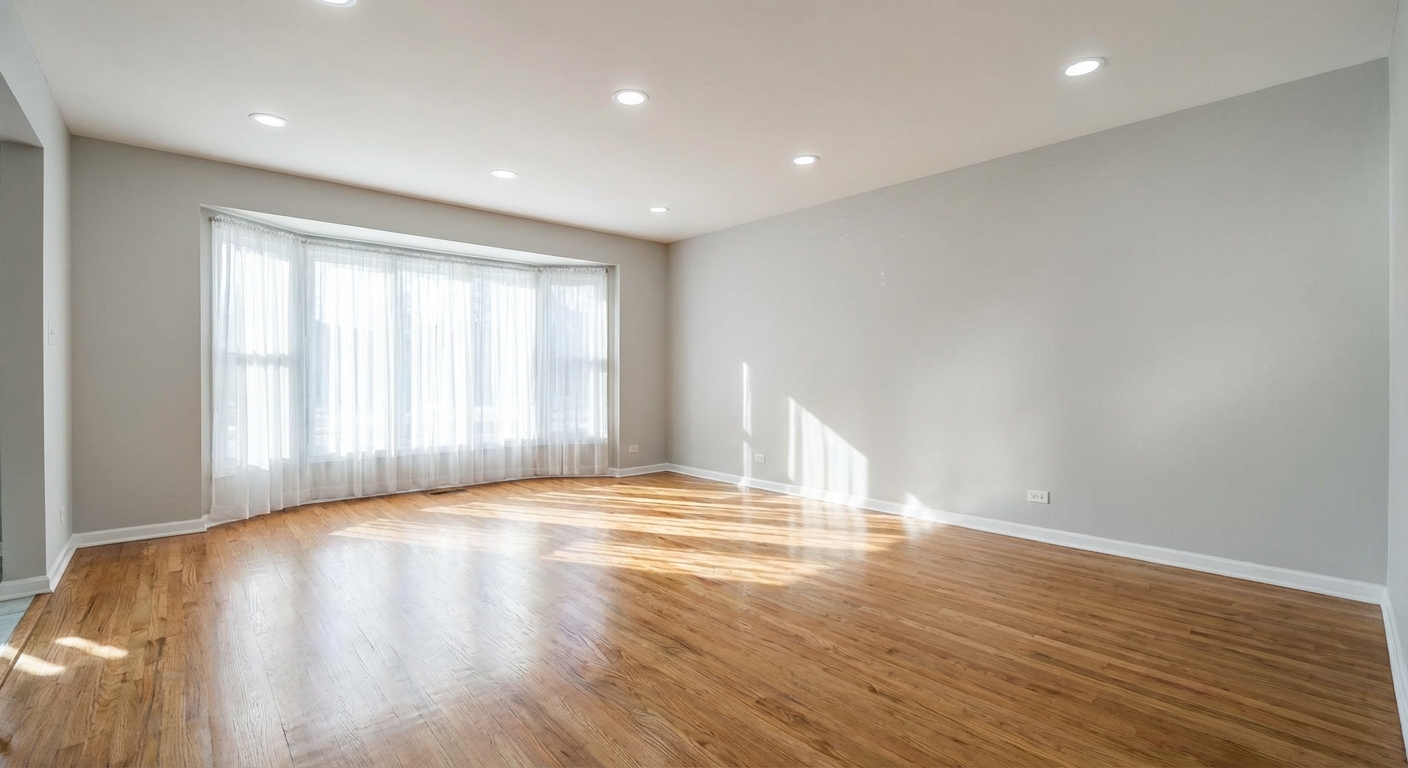
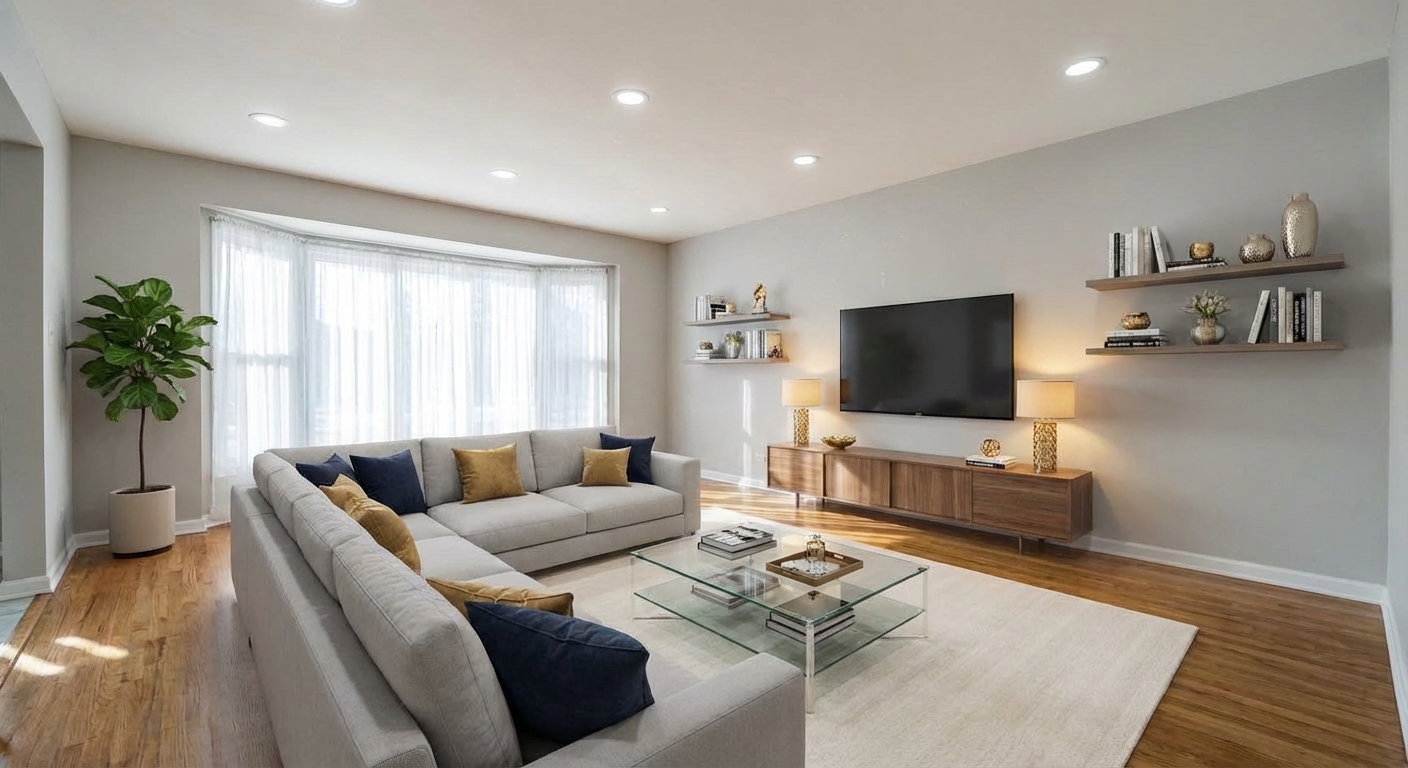
Demo example: the “Before” image was created with AI for this site; it is not a customer photo.
Features
Want a look beyond the 13 staging styles? Describe it in the Design Companion chat, for example "rustic Tuscan villa" or "Tokyo minimalist"; each edit costs 2 credits.
How Does Custom Style Virtual Staging Work?
Describe a style in your own words in the Design Companion chat — regional looks, materials and color palettes
What Can You Create with Text-Based Style Prompts?
Mix and match styles: "Scandinavian industrial," "bohemian luxury," "modern farmhouse coastal"
Why Choose Custom Over Preset Design Styles?
Each chat edit costs 2 credits, the same as a run with a preset style
How It Works
Get professional results in three simple steps
Drop your photos here
or browse files
Upload Your Photos
Drag and drop your photos or browse to upload them. Roomagen accepts JPEG, PNG and WebP files up to 50 MB each.
AI Processing
Our advanced AI analyzes your images and applies professional enhancements automatically. Choose from virtual staging, enhancement, object removal, or day-to-dusk conversion.
Download Results
Preview your transformed images and download high-resolution results ready for listings, marketing materials, social media, and more. No watermarks on premium plans.
Why Choose Roomagen
Describe a Design Vision in Plain Language
Describe a style in your own words in the Design Companion chat — regional looks, materials and color palettes
Mix Styles, Specify Materials, Define Color Palettes
Mix and match styles: "Scandinavian industrial," "bohemian luxury," "modern farmhouse coastal"
More Looks Than the 13 Presets
Each chat edit costs 2 credits, the same as a run with a preset style
Who Is It For?
Niche Market Agents
Stage properties for specific regional or cultural aesthetics — Southwestern adobe, Pacific Northwest cabin, New England colonial — that no preset style covers.
Interior Design Professionals
Test specific design concepts by describing exact material combinations, color palettes, and furniture styles for client presentations.
International Property Marketers
Create staging that matches local design preferences — Japanese, Middle Eastern, Nordic, Tropical — for international buyer audiences.
The staging tool offers 13 preset styles, such as Modern, Farmhouse and Coastal. In the Design Companion chat you can describe other looks, such as "mid-century modern with tropical accents" or "French country with a blue and white palette", for the same 2 credits per edit.
| Custom style (chat) | Preset styles (staging tool) | |
|---|---|---|
| Options | Your own description | 13 curated presets |
| Specificity | Materials and colors you name | AI-curated defaults |
| Hybrid styles | Combinations you describe | One style at a time |
| Cultural references | Described in words (Japanese, Moroccan, etc.) | Western-focused presets |
| Cost | 2 credits per edit | 2 credits per run |
| Best for | Niche markets, specific visions | Quick, consistent results |
Frequently Asked Questions
Everything you need to know about Roomagen
Open the Design Companion chat, upload your photo and describe the look you want, for example "warm Tuscan villa with terracotta floors and wrought iron" or "minimalist Japanese with dark wood and paper screens." The AI edits the photo from your description. The staging tool itself offers 13 preset styles.
Be specific about 3 elements: style reference (Tuscan, Japanese, Art Nouveau), materials (walnut, marble, linen), and color palette (warm neutrals, ocean blues, earth tones). More detail gives better results.
Yes. Describe hybrid styles like "Scandinavian with industrial accents," "modern farmhouse with coastal colors," or "bohemian luxury with gold accents." The AI blends elements from each style reference.
The 13 presets are tested styles you pick in the staging tool. A custom style is a description you type in the Design Companion chat, so it can combine looks, cultural references and materials. Presets are quicker to choose; a description gives more control but may need a refined second try.
Use commonly understood design terms and references. "French provincial with pastel blue accents" works better than abstract descriptions. If results don't match, refine your description and regenerate.
Yes. Include specific items in your description: "modern living room with a green velvet sofa, brass coffee table, and oversized abstract art." The AI will attempt to include each specified piece.
No. Custom style uses the same 2 credits ($0.23–$0.40) as any preset style. The AI processes text descriptions at the same cost as menu selections.
Yes. Include color instructions: "all-white palette with natural wood accents," "navy and gold throughout," or "earth tones only — no cool colors." The AI applies your color direction to all furniture and accessories.
The Design Companion chat works in Roomagen's 9 languages (English, Turkish, French, German, Spanish, Russian, Japanese, Chinese and Portuguese), so you can describe the style in yours. Use common design terms; if a result misses, refine the description and try again (2 credits per edit).
Describe the style elements you see: "like a Restoration Hardware catalog — oversized linen sofas, weathered wood, neutral palette." The AI generates similar aesthetics without copying specific designs.
Part of
Free AI Virtual StagingMore From This Family
- Modern Virtual Staging
- Scandinavian Virtual Staging
- Minimalist Virtual Staging
- Farmhouse Virtual Staging
- Coastal Virtual Staging
- Industrial Virtual Staging
- Luxury Virtual Staging
- Bohemian Virtual Staging
- Mid-Century Modern Virtual Staging
- Japandi Virtual Staging
- Traditional Virtual Staging
- Art Deco Virtual Staging
Explore Related Tools
Discover more AI-powered tools to enhance your visual content
Free AI Virtual Staging — Stage Any Empty Room in Under a Minute
Stage vacant rooms with AI, usually in under a minute. 13 design styles, 15 room types, listing-ready photos for real estate, rentals and hospitality. 6 free credits, no credit card required.
Learn moreRedesign a Furnished Room With AI — 13 Styles, Usually Under a Minute
Restyle any furnished room without moving a thing. Modern, Scandinavian, farmhouse, luxury and 9 more styles. Used by interior designers and realtors. Free to try.
Learn moreSwap Furniture & Objects
Swap specific furniture or objects in your photos. Replace an outdated couch with a modern one, or exchange any item while keeping the rest.
Learn moreRoom Repurpose - Change Room Function
Repurpose any room to show its potential as a different space. Convert bedrooms to offices, dining rooms to playrooms, and more.
Learn moreAI Empty Room — Remove All Furniture From a Photo in 30 Seconds
Clear any furnished room for virtual restaging, renovation previews or tenant turnover. Fills in walls and floors behind furniture. 6 free credits included.
Learn more