AI Image Upscaling - Increase Resolution
Roomagen AI Image Upscaling is an AI-powered resolution enhancement tool that increases photo quality up to 4x by generating actual new detail using machine learning. The output is a higher-resolution version of the original image suitable for print and large-format display. Starting using 2 credits per image ($0.23–$0.40 depending on plan), with a free plan offering 6 credits.
Older listing photos and phone camera images lack the resolution buyers expect on modern high-definition screens and print materials. Most listing photos taken before 2020 were captured at 1-3 megapixels — well below the 2048px minimum that major MLS platforms now require for featured listings. Print-ready brochures demand even higher resolution: a standard A3 flyer needs approximately 3500x5000 pixels at 300 DPI. Photos that fall short appear pixelated on large monitors, blurry in printed collateral, and unprofessional on social media feeds where high-resolution content receives significantly more engagement. Traditional upscaling methods like bicubic interpolation simply stretch existing pixels without adding real detail — the result looks soft and artificial, with visible smoothing artifacts along edges and textures. Hiring a professional retoucher for manual upscaling costs $20-50 per image and takes hours. Roomagen AI Upscale uses deep learning to generate authentic texture detail, edge information, and surface patterns during the enlargement process. The AI analyzes the content type — distinguishing architectural lines from fabric textures from foliage — and applies context-appropriate detail synthesis. Results are delivered in under 90 seconds at 2x to 4x the original resolution, producing images suitable for both digital platforms and large-format printing without any manual intervention.
No credit card required. Results in 30 seconds.
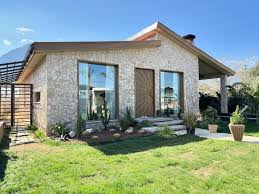
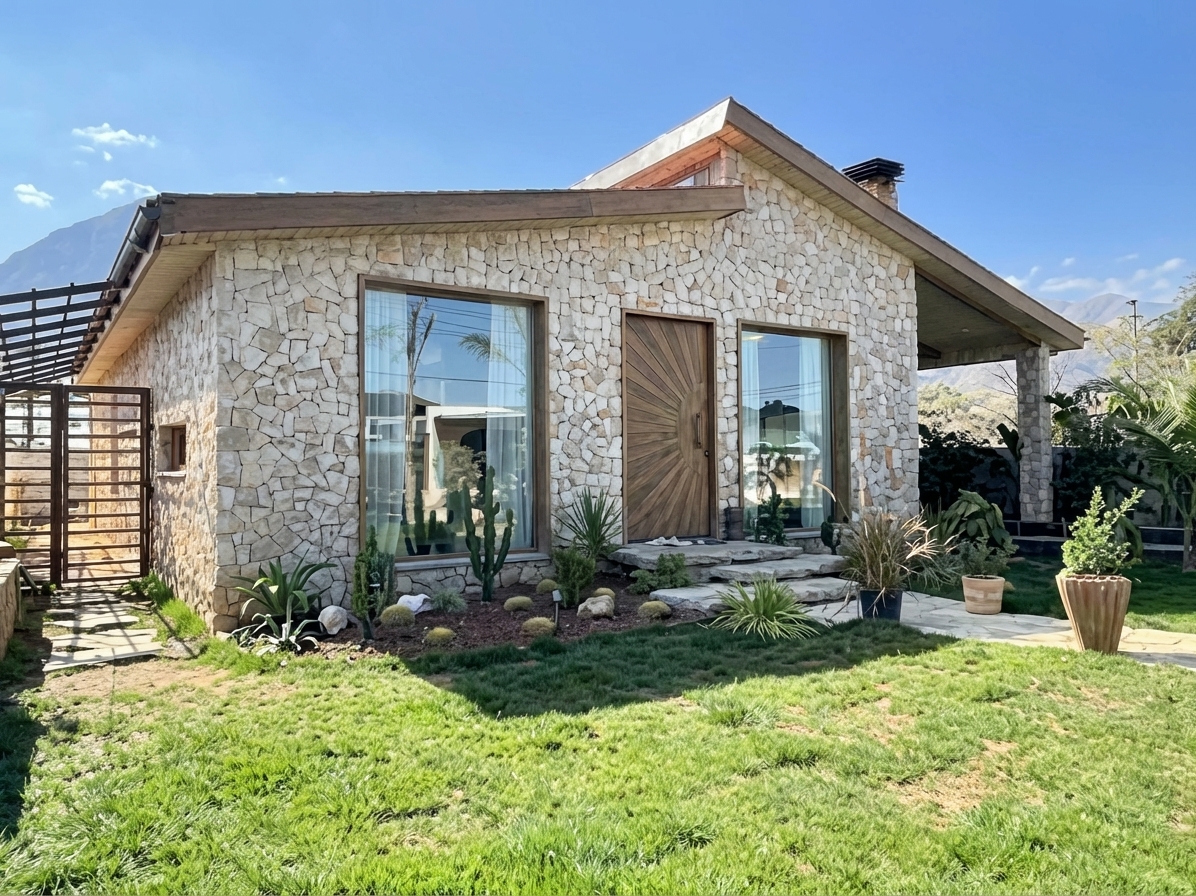
Features
Upscale low-resolution real estate photos to print-quality resolution. AI enhancement increases image size while adding detail and sharpness.
4x Resolution Enhancement
Increases resolution up to 4x while generating new detail
Print-Quality Upscaling
Recovers sharpness lost from phone cameras or compression
Sharpen Low-Resolution Photos
Produces print-ready output suitable for brochures and signage
How It Works
Get professional results in three simple steps
Drop your photos here
or browse files
Upload Your Photos
Simply drag and drop your photos or browse to upload. We support all major image formats including JPG, PNG, and RAW files up to 50MB each.
Upload any property photo in JPEG, PNG, or WebP format (up to 50 MB). The AI accepts any resolution input — from old 640×480 camera phone photos to modern smartphone images that just need a resolution boost. Extremely small images under 200 pixels on either dimension may produce limited results since there is insufficient source detail for the AI to build upon. The system analyzes the image content, identifying areas of texture, sharp edges, smooth gradients, and fine detail that will each receive different upscaling treatment optimized for their content type.
AI Processing
Our advanced AI analyzes your images and applies professional enhancements automatically. Choose from virtual staging, enhancement, object removal, or day-to-dusk conversion.
The tool is fully automatic — no settings or adjustments are required. The AI analyzes the image content and generates new texture, edge, and detail information to increase resolution by 2x to 4x while maintaining photorealism. Unlike traditional sharpening that creates halo artifacts around edges, AI upscaling reconstructs actual surface textures — brick patterns, wood grain, fabric weaves, and foliage detail — that appear naturally captured rather than artificially enhanced. Architectural lines like window frames, molding, and tile grout receive special attention to maintain straight, clean edges.
Download Results
Preview your transformed images and download high-resolution results ready for listings, marketing materials, social media, and more. No watermarks on premium plans.
Download your upscaled image in under 90 seconds. The output has significantly higher resolution with sharp, natural-looking detail that was not present in the original source image. For optimal results with other Roomagen tools, apply enhancements (HDR, color correction, sky replacement) to the original-resolution image first, then upscale the final result as the last step — enhancement algorithms perform better when working with original pixel data rather than AI-generated detail. Output format is JPEG at your plan's resolution tier.
Why Choose Roomagen
HD to 4K Conversion
Increases resolution up to 4x while generating new detail
Print-Ready Resolution
Recovers sharpness lost from phone cameras or compression
Detail Enhancement
Produces print-ready output suitable for brochures and signage
Who Is It For?
Real Estate Agents
Upscale phone photos and older listing images to print quality for brochures, signage, and large-format marketing displays.
Interior Designers
Enhance client-provided reference photos to high resolution for detailed design analysis and presentation materials.
Property Managers
Improve low-resolution property photos from archives for updated digital listings and printed marketing materials.
Common Use Cases
Old Listing Photo Rescue
Upscale older property photos from low-resolution cameras or early smartphones. The AI generates new detail rather than just stretching pixels, producing sharp results from previously unusable images.
Print-Ready Enlargement
Prepare property photos for large-format printing — brochures, posters, or window displays. The AI-enhanced resolution produces sharp output at print sizes that would otherwise appear pixelated.
MLS Resolution Requirements
Upscale photos that don’t meet MLS minimum resolution requirements. The AI enhancement ensures images pass platform quality checks while maintaining natural appearance.
Detail Zoom Crops
Crop into a section of a property photo and upscale the crop to full resolution. This technique lets you highlight specific features — kitchen countertops, bathroom fixtures, or architectural details — without losing quality.
Property Archive Restoration
Rescue listing photos from 5–10 years ago that were captured on early digital cameras or basic smartphones. Old camera resolutions (640×480, 1024×768, 1600×1200) are far below modern MLS standards, but the AI generates new detail to bring them to usable quality. Particularly valuable for relisted properties, historical comparisons, and portfolio archives.
Social Media High-Resolution Content
Instagram, Pinterest, and Facebook prioritize high-resolution images in their algorithms, displaying them more prominently and generating higher engagement. Upscale smartphone photos to 4K resolution before posting to ensure your property images receive maximum platform visibility and appear sharp on all device screens including tablets and desktop monitors.
Unlike basic resize tools that produce blurry results, Roomagen AI generates real texture detail during upscaling. Photoshop bicubic upscale is free but only stretches existing pixels — the output looks soft with no new detail, edges become blurred, and fine textures like wood grain or fabric weave disappear entirely. Topaz Gigapixel AI ($99 one-time license) produces good results but requires software installation, a learning curve for optimal settings, and 1-5 minutes processing time per image — impractical for batch processing dozens of listing photos. Professional retouching services charge $20-50 per image with turnaround times measured in hours or days, and quality varies between retouchers. Free online upscalers typically add aggressive sharpening halos that create unnatural-looking artifacts around edges. Roomagen processes each image in under 90 seconds at 1 credit per image, automatically detecting content type and applying optimized detail synthesis for architectural photography — no settings to configure, no software to install, no waiting.
| Roomagen | Traditional Upscaling | |
|---|---|---|
| Cost | $0.23–$0.40 | $20–$50 software subscription |
| Quality | AI-generated new detail | Blurry interpolation artifacts |
| Speed | Under 90 seconds | Minutes per image |
| Skill required | None | Understanding resolution settings |
| Enhancement | 2x–4x with detail preservation | Size increase only |
| Output quality | Sharp, print-ready | Soft, often pixelated |
Technical Specifications
- Supported formats
- JPEG, PNG, WebP
- Max file size
- 50 MB
- Enhancement range
- 2x to 4x resolution increase
- Detail generation
- AI creates new texture and edge detail
- Processing mode
- Fully automatic
- Processing time
- Under 90 seconds
- AI model
- Gemini AI
- Credit cost
- 1 credit per image
Pricing
| Plan | Price | Credits/mo | Per Image | Resolution |
|---|---|---|---|---|
| Free | $0 | 6 (one-time) | Free | HD |
| Starter | $12/mo | 60 | $0.40 | HD |
| Pro | $29/mo | 200 | $0.29 | Ultra HD |
| Business | $79/mo | 700 | $0.23 | Ultra HD |
Per-image cost = 2 credits. Annual plans reduce cost by ~17%. Credit packages: 60/$19, 180/$45, 360/$79.
Frequently Asked Questions
Everything you need to know about Roomagen
Explore Related Tools
Discover more AI-powered tools to enhance your visual content
AI Photo Enhancement — Professional Quality in Seconds
Enhance any photo automatically with AI. HDR processing, color correction, lens fix, and professional-grade adjustments in seconds — for property listings, hotel rooms, product shots, and more.
Learn moreHDR Photo Editor — Professional Exposure in Seconds
Professional HDR editing for interior and exterior photos. Recover window views, balance lighting, and create magazine-quality images for property listings, hotel rooms, and commercial spaces.
Learn moreAI Image Straightening & Perspective Correction
Fix tilted horizons, converging verticals and wide-angle lens distortion in real estate photos. One-click AI correction for MLS-ready listings. Free to try.
Learn moreDrone & Aerial Photo Editing Services
Professional drone and aerial photo editing: enhancement, sky replacement, color correction and object removal. Fast AI results for real estate exteriors. 6 free credits, no sign-up.
Learn moreReal Estate Agent Portrait Retouching
Professional portrait retouching for real estate agents. Natural enhancement, background changes, and consistent branding.
Learn more