
AI Home Remodel Visualizer Chat — See a Renovation Before You Build
Roomagen Home Remodel Visualizer by Chat turns a written renovation idea into a photorealistic preview: describe new cabinets, countertops, flooring, fixtures or finishes and see them on your own room photo before any work starts.
Renovation decisions involve dozens of material and design choices that are difficult to visualize from samples alone. Homeowners commit to $15,000-$80,000 renovations based on small swatches and imagination. Chat-based preview lets you describe any combination of changes and see the actual result in your real space before spending a dollar on construction.
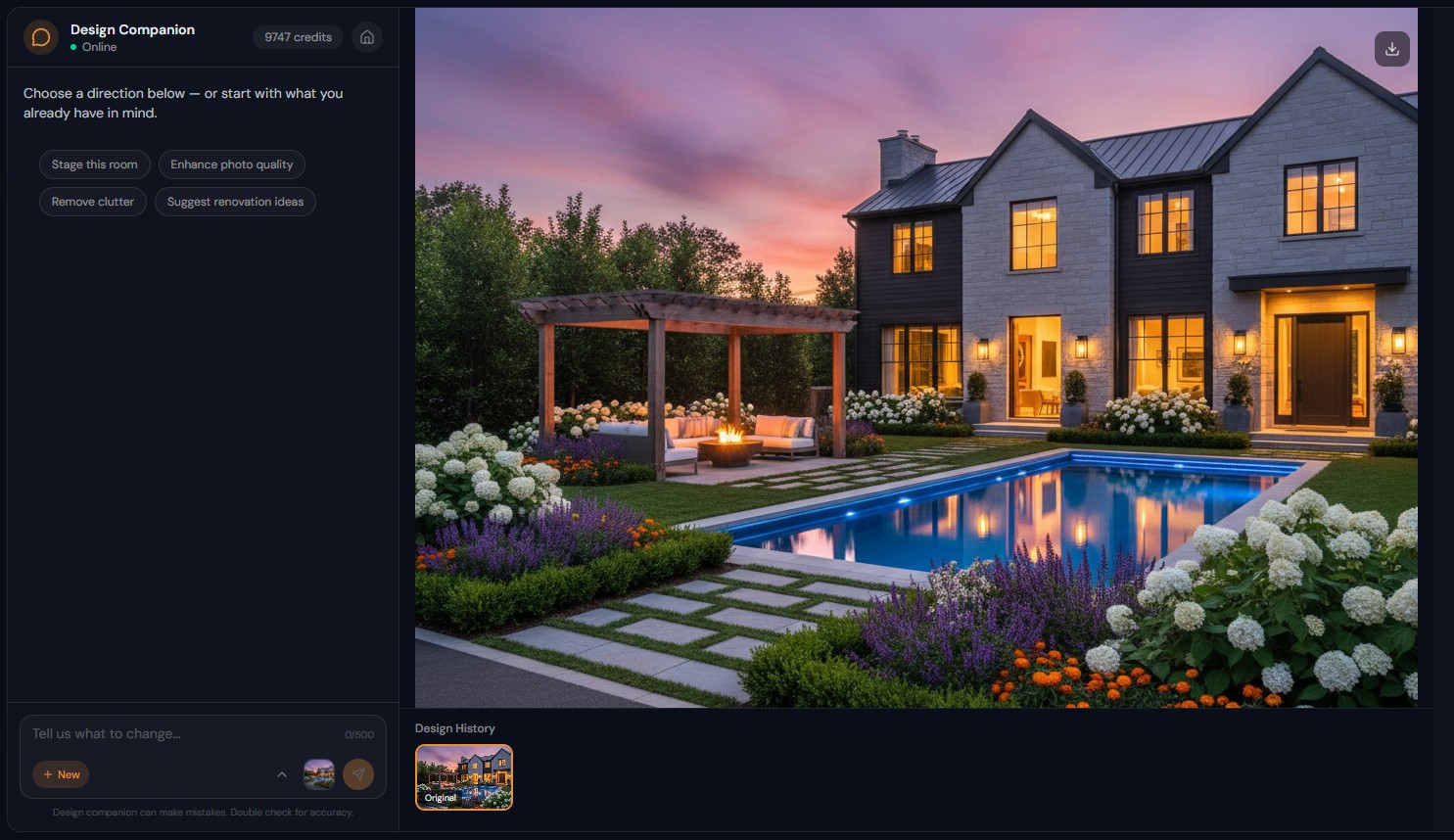
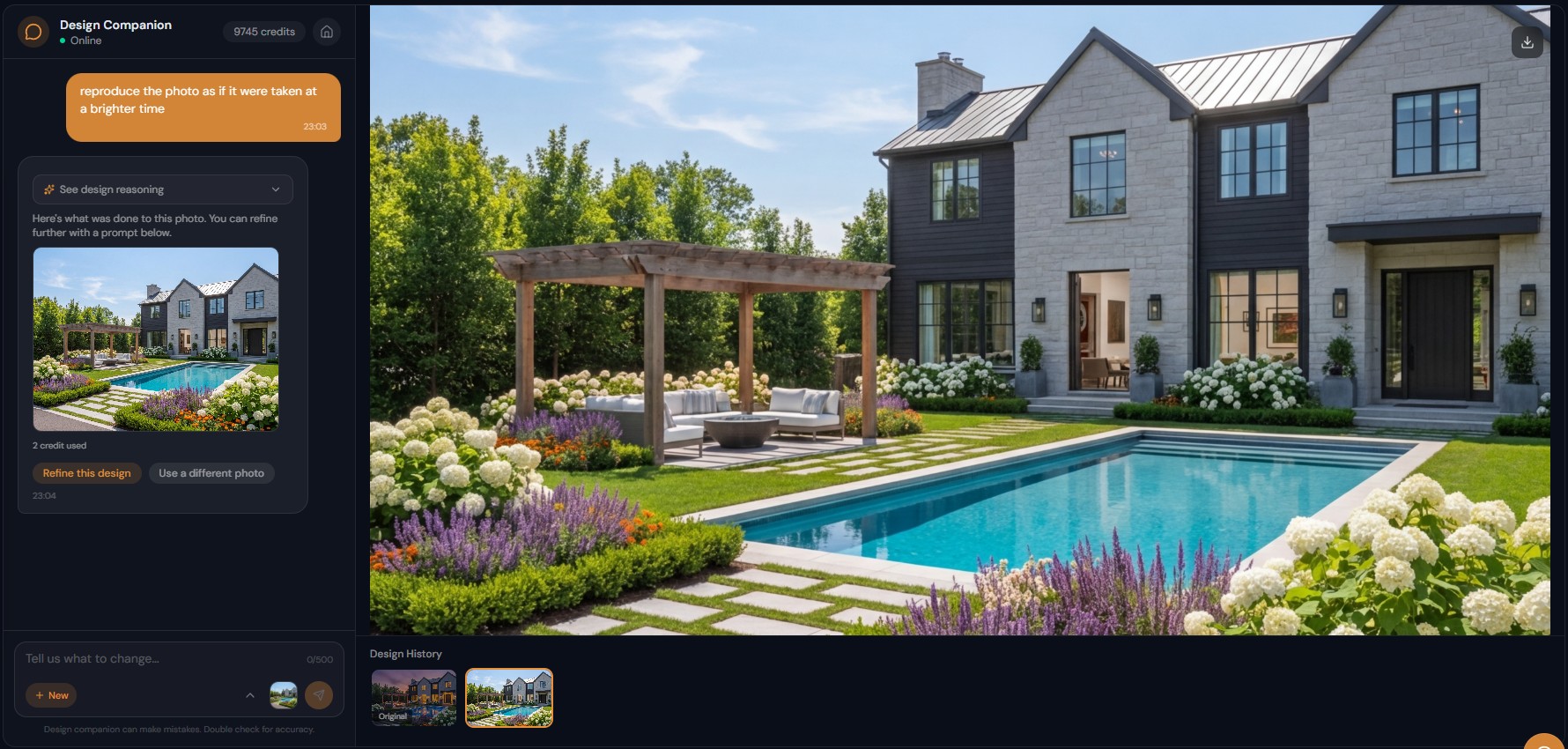
Features
Describe a renovation, such as "white shaker cabinets with quartz countertops", and see a photorealistic preview of your kitchen, bath or room in about 90 seconds.
How Does Chat-Based Renovation Preview Work?
Describe renovation changes in natural language — "white shaker cabinets with quartz countertops" — and see photorealistic results
What Renovation Changes Can You Visualize?
Test unlimited material combinations through conversation — marble vs quartz, white vs gray, brass vs chrome — at 2 credits each
Why Use Conversational AI for Renovation Planning?
Step-by-step renovation building — change countertops first, then cabinets, then flooring — each preserving previous selections
How It Works
Get professional results in three simple steps
Drop your photos here
or browse files
Upload Your Photos
Drag and drop your photos or browse to upload them. Roomagen accepts JPEG, PNG and WebP files up to 50 MB each.
AI Processing
Our advanced AI analyzes your images and applies professional enhancements automatically. Choose from virtual staging, enhancement, object removal, or day-to-dusk conversion.
Download Results
Preview your transformed images and download high-resolution results ready for listings, marketing materials, social media, and more. No watermarks on premium plans.
Why Choose Roomagen
Describe Your Dream Renovation and See It on Your Photo
Describe renovation changes in natural language — "white shaker cabinets with quartz countertops" — and see photorealistic results
Cabinets, Countertops, Flooring, Fixtures — Test Everything
Test unlimited material combinations through conversation — marble vs quartz, white vs gray, brass vs chrome — at 2 credits each
Compare Multiple Renovation Options in One Session
Step-by-step renovation building — change countertops first, then cabinets, then flooring — each preserving previous selections
Who Is It For?
Homeowners Planning Renovations
Test material combinations before committing — "what do white cabinets look like with butcher block countertops?" answered visually in 90 seconds, saving thousands in potential regret.
Renovation Contractors
Show clients exactly what the finished project will look like using their actual room photo — stronger proposals, fewer change orders, faster approval.
Kitchen & Bath Designers
Present multiple design options rapidly — marble vs quartz, white vs gray cabinets, brass vs chrome hardware — all generated through conversation from the same base photo.
3D rendering services charge $200-$1,000 per renovation visualization and take 3-7 days. Design Companion generates equivalent previews from a photo in under 90 seconds for 2 credits, with unlimited iterations to test different material combinations.
| Chat Renovation Preview | 3D Rendering Service | Physical Samples | |
|---|---|---|---|
| Visualization | Photorealistic in your real room | Photorealistic 3D model | Small swatches only |
| Turnaround | 90 seconds per option | 3-7 days | Instant but limited |
| Material combinations | Unlimited at 2 credits each | 1-3 included, $200+ per revision | Mental visualization only |
| Cost | 2 credits ($0.23-$0.40) | $200-$1,000 | Free but inaccurate |
| Accuracy | Based on actual room photo | Based on measurements | Cannot show in-context |
Frequently Asked Questions
Everything you need to know about Roomagen
Upload a photo of the room and describe the renovation — "replace these oak cabinets with white shaker style and add quartz countertops." The AI generates a photorealistic preview of the finished renovation.
Yes. Start with one combination, then say "try marble instead of quartz" or "what about gray cabinets instead of white." Each iteration shows the same room with different materials for easy comparison.
The AI maintains room geometry and proportions. Cabinets fit existing openings, countertops follow existing layouts, and flooring covers the actual room area — previews are spatially accurate.
Yes. "Just change the countertops" or "only update the flooring" — the AI modifies only what you specify while keeping everything else unchanged. Build up the renovation step by step.
Cabinets, countertops, backsplash, flooring, fixtures, hardware, lighting, paint colors, tile, vanities, bathtubs, showers, sinks, faucets, and more. Any visible element can be changed through description.
Many users show AI-generated renovation previews to contractors for accurate quotes. The visualization eliminates ambiguity about the desired outcome, resulting in more precise estimates.
As detailed as you want. "Modernize the kitchen" works for general direction. "White shaker cabinets, calacatta quartz, herringbone marble backsplash, brass cup pulls" gets precise results matching specific products.
Yes. "Gut this bathroom and rebuild with large-format gray tile, floating vanity, frameless shower, and matte black fixtures" generates a complete renovation preview from the existing photo.
Each preview generation costs 2 credits. Testing 5 different kitchen material combinations costs 10 credits ($1.15-$2.00) — a fraction of what a single 3D rendering would cost.
Yes. Download any generated preview image from your chat session. Share directly with contractors, designers, or family members for feedback before committing to the renovation.
Part of
AI Chat Photo EditorMore From This Family
- AI Virtual Staging by Chat
- AI Room Redesign Chat
- Enhance Photo Quality by Chat
- AI Room Cleaner Chat
- AI Landscaping Chat
- Change Room Colors by Chat
- AI Real Estate Photo Editing Chat
- AI Design Chat for Interior Designers
- AI Home Design Assistant for Homeowners
- AI Airbnb Listing Photo Editor
- AI Photo Editor Chat for Photographers
- AI Visualization Chat for Architects
Explore Related Tools
Discover more AI-powered tools to enhance your visual content
AI Chat Photo Editor — Edit Any Photo by Typing What You Want
Type what you want changed and the Design Companion edits your interior or exterior photo: stage, recolor, remove objects. 2 credits per edit, under 90 seconds.
Learn moreVirtual Home Renovation Service — AI Remodeling for Real Estate and More
Show a room after renovation: AI updates cabinets, countertops, flooring, tile and fixtures in one pass, in 20–40 seconds, before you sell, lease or redesign.
Learn moreVirtual Kitchen Remodeling — New Cabinets and Countertops on Your Photo
Preview new cabinets, countertops, backsplashes and appliances on your kitchen photo before any work starts, for clients, buyers or guests. 2 credits per image.
Learn moreVirtual Bathroom Renovation — New Tile, Vanity and Fixtures on Your Photo
Preview new tiles, vanities, fixtures and shower surrounds on your bathroom photo before remodeling, for clients, buyers or your own home. 2 credits per image.
Learn moreFlooring Visualizer — See Hardwood, Tile, Carpet or Vinyl in Your Room
Preview new flooring on a photo of your room before you renovate: hardwood, tile, carpet, vinyl or stone at full room scale, usually in under a minute.
Learn more