
AI Home Design Assistant for Homeowners — Preview Ideas on Your Photos
Roomagen AI Home Design Assistant helps homeowners picture renovations, color changes, landscaping and furniture layouts by describing ideas in plain language, then shows photorealistic previews on their own home photos.
Homeowners spend thousands on renovations based on imagination and small samples. A wrong paint color costs $200+ to repaint. A bad countertop choice costs $5,000+ to replace. AI Design Chat shows you the exact result on your actual rooms before spending a dollar, preventing costly mistakes.
Features
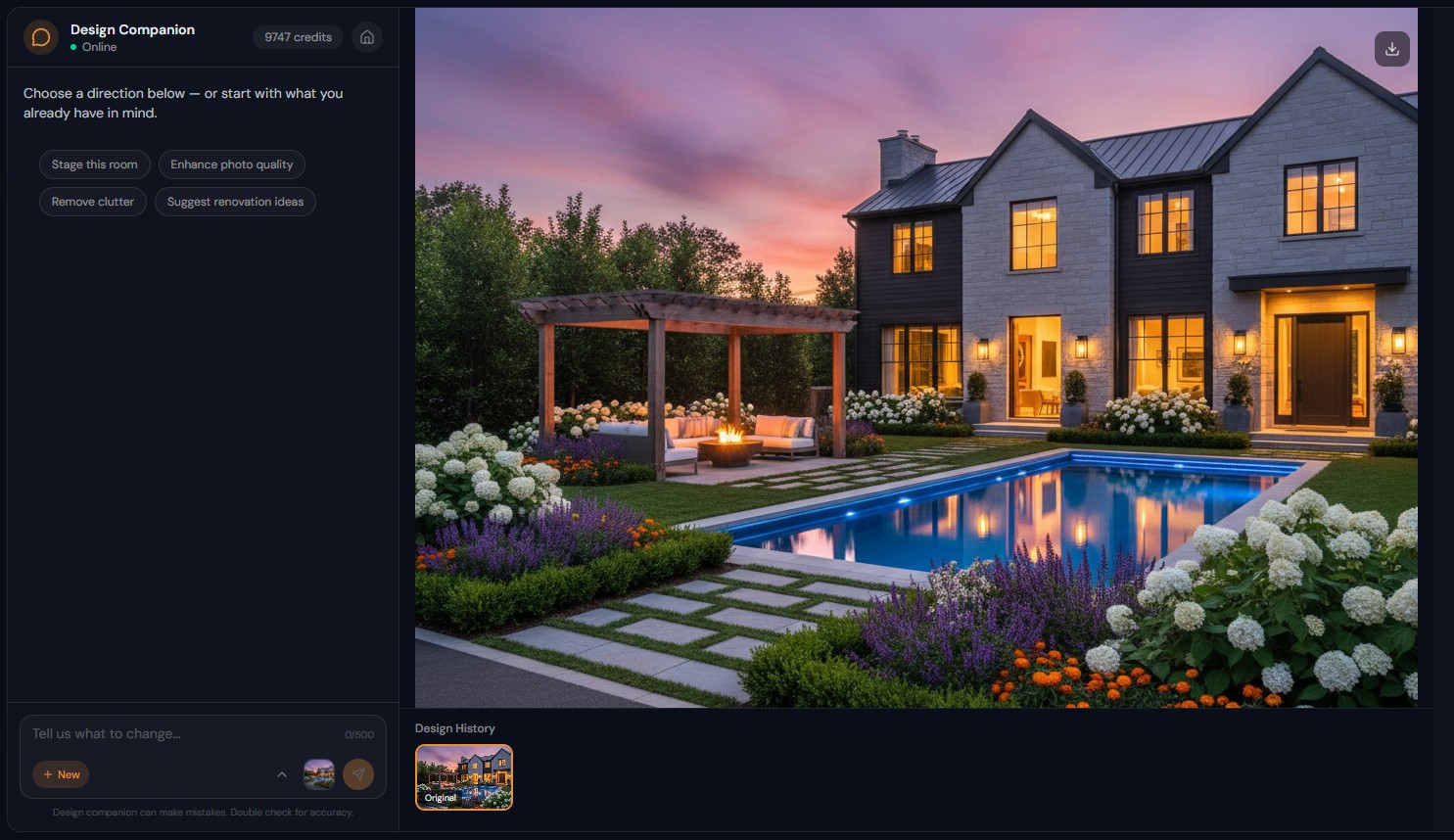
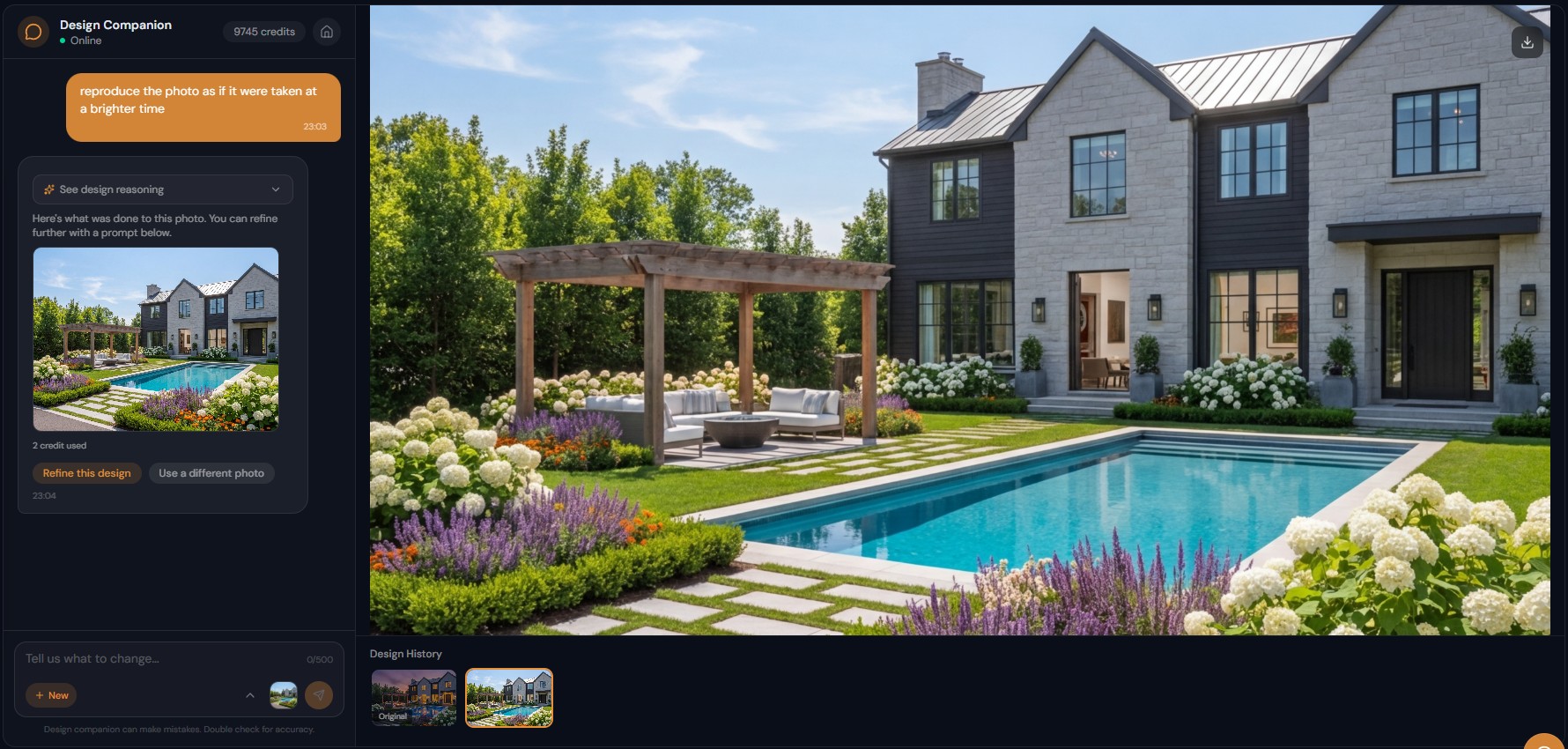
Ask "what would my kitchen look like with white cabinets?" and see it on your own home photo. Plan renovations, colors and layouts just by chatting.
How Do Homeowners Use AI Design Chat?
No design expertise needed — describe ideas in everyday language and see photorealistic results on your actual home photos
What Home Improvements Can You Visualize?
Prevent costly mistakes — see paint colors, renovation choices, and furniture at room scale before purchasing or committing
Why Is Chat-Based Design Perfect for DIY Planning?
Plan entire home renovations room by room through conversation — kitchen, bathroom, bedroom, landscaping all in one tool
How It Works
Get professional results in three simple steps
Drop your photos here
or browse files
Upload Your Photos
Drag and drop your photos or browse to upload them. Roomagen accepts JPEG, PNG and WebP files up to 50 MB each.
AI Processing
Our advanced AI analyzes your images and applies professional enhancements automatically. Choose from virtual staging, enhancement, object removal, or day-to-dusk conversion.
Download Results
Preview your transformed images and download high-resolution results ready for listings, marketing materials, social media, and more. No watermarks on premium plans.
Why Choose Roomagen
Describe Any Change and See It on Your Actual Home
No design expertise needed — describe ideas in everyday language and see photorealistic results on your actual home photos
Paint Colors, Renovations, Landscaping, Furniture — Everything Covered
Prevent costly mistakes — see paint colors, renovation choices, and furniture at room scale before purchasing or committing
No Design Expertise Required — Just Describe What You Want
Plan entire home renovations room by room through conversation — kitchen, bathroom, bedroom, landscaping all in one tool
Who Is It For?
First-Time Homebuyers
Visualize how a fixer-upper could look after renovations — "modernize the kitchen, update the bathroom, repaint everything" — before making a purchase decision based on potential.
Renovation Planners
Test renovation ideas before hiring contractors — see exactly what white cabinets, hardwood floors, or a new backsplash would look like in your actual kitchen before committing budget.
DIY Home Decorators
Explore furniture layouts, color schemes, and styling options for any room — describe your vision and see it realized without buying or moving anything.
Interior design consultations cost $150-$500 per hour. Home design apps require learning complex interfaces. Design Companion needs no expertise — describe what you want in everyday language and see photorealistic results on your actual home photos in 90 seconds for 2 credits.
| AI Design Chat | Interior Design Consultation | Paint/Material Samples | |
|---|---|---|---|
| Cost | 2 credits ($0.23-$0.40) | $150-500/hour | $5-50 per sample |
| Expertise needed | None — describe in plain language | N/A (professional) | Visual imagination |
| Visualization | Photorealistic on your room | Mood boards + drawings | 2-inch swatches |
| Speed | 90 seconds per idea | Days-weeks | Days (purchase + test) |
| Iterations | Unlimited through chat | 2-3 per consultation | Buy more samples |
Frequently Asked Questions
Everything you need to know about Roomagen
Take a photo of any room and type what you want to change — "white cabinets, quartz countertops, and subway tile backsplash" or simply "modernize this kitchen." The AI generates a photorealistic preview on your actual room.
No. Describe what you want in everyday language — "make this room look like the ones on Pinterest" or "give the bedroom a cozy feel." The AI interprets your description and makes appropriate design choices.
Yes. "Paint the walls sage green" or name a specific brand — "Benjamin Moore Simply White" — and see the color on your actual walls with realistic lighting. Test dozens of colors for less than one sample pot.
Previews show realistic proportions and materials on your actual room. Many homeowners show AI-generated previews to contractors as reference images for the desired outcome.
Yes. Work room by room through conversation — kitchen first, then bathroom, then living room. Each room gets its own photo and set of changes. Build a complete renovation vision for your entire home.
Yes. Upload exterior photos and describe what you want — "add a stone patio and raised garden beds" or "show me with a pool in the backyard." See outdoor improvements on your actual property.
Each visualization costs 2 credits ($0.23-$0.40). The Free plan includes 6 credits for 3 visualizations. The Starter plan at $12/month provides 60 credits — enough to explore 30 different home improvement ideas.
Yes. Download any visualization from your chat session. Share with contractors, designers, painters, or family members. Many contractors appreciate having a clear visual reference for the desired outcome.
Ask the AI for suggestions — "what design style would work best for this room?" or "suggest three different ways to update this bathroom." The AI provides style recommendations before generating visualizations.
Yes. Your original photo and every edited version are saved in the chat session. View them side by side to compare changes and share the before/after with family or professionals.
Part of
AI Chat Photo EditorMore From This Family
- AI Real Estate Photo Editing Chat
- AI Design Chat for Interior Designers
- AI Airbnb Listing Photo Editor
- AI Photo Editor Chat for Photographers
- AI Visualization Chat for Architects
- AI Virtual Staging by Chat
- AI Room Redesign Chat
- Enhance Photo Quality by Chat
- AI Home Remodel Visualizer Chat
- AI Room Cleaner Chat
- AI Landscaping Chat
- Change Room Colors by Chat
Explore Related Tools
Discover more AI-powered tools to enhance your visual content
AI Chat Photo Editor — Edit Any Photo by Typing What You Want
Type what you want changed and the Design Companion edits your interior or exterior photo: stage, recolor, remove objects. 2 credits per edit, under 90 seconds.
Learn moreVirtual Home Renovation Service — AI Remodeling for Real Estate and More
Show a room after renovation: AI updates cabinets, countertops, flooring, tile and fixtures in one pass, in 20–40 seconds, before you sell, lease or redesign.
Learn moreVirtual Paint Staging — Repaint a Room's Walls in Any Color on Your Photo
Preview paint colors on your room's walls before painting, with realistic lighting; enter any shade as a hex code. Usually under a minute, 2 credits per image.
Learn moreVirtual Landscaping Design — 12 Garden Styles Added to Your Yard Photo
Add plants, trees, gardens and outdoor features to a photo of any yard or property in 12 landscaping styles, without breaking ground. 2 credits per image.
Learn moreFlooring Visualizer — See Hardwood, Tile, Carpet or Vinyl in Your Room
Preview new flooring on a photo of your room before you renovate: hardwood, tile, carpet, vinyl or stone at full room scale, usually in under a minute.
Learn more