
AI Design Chat for Interior Designers — Client Concepts in Minutes
Roomagen AI Interior Design Assistant for designers turns a described concept into client-ready visuals: describe styles and materials, and the AI renders them on the actual room photo, with no 3D modeling.
Creating client presentations traditionally requires 3D modeling software, hours of rendering time, and technical expertise. A single room concept takes 4-8 hours in SketchUp or 3ds Max. Design Companion generates comparable photorealistic visualizations from a description in 90 seconds, enabling designers to present multiple concepts in a single meeting.
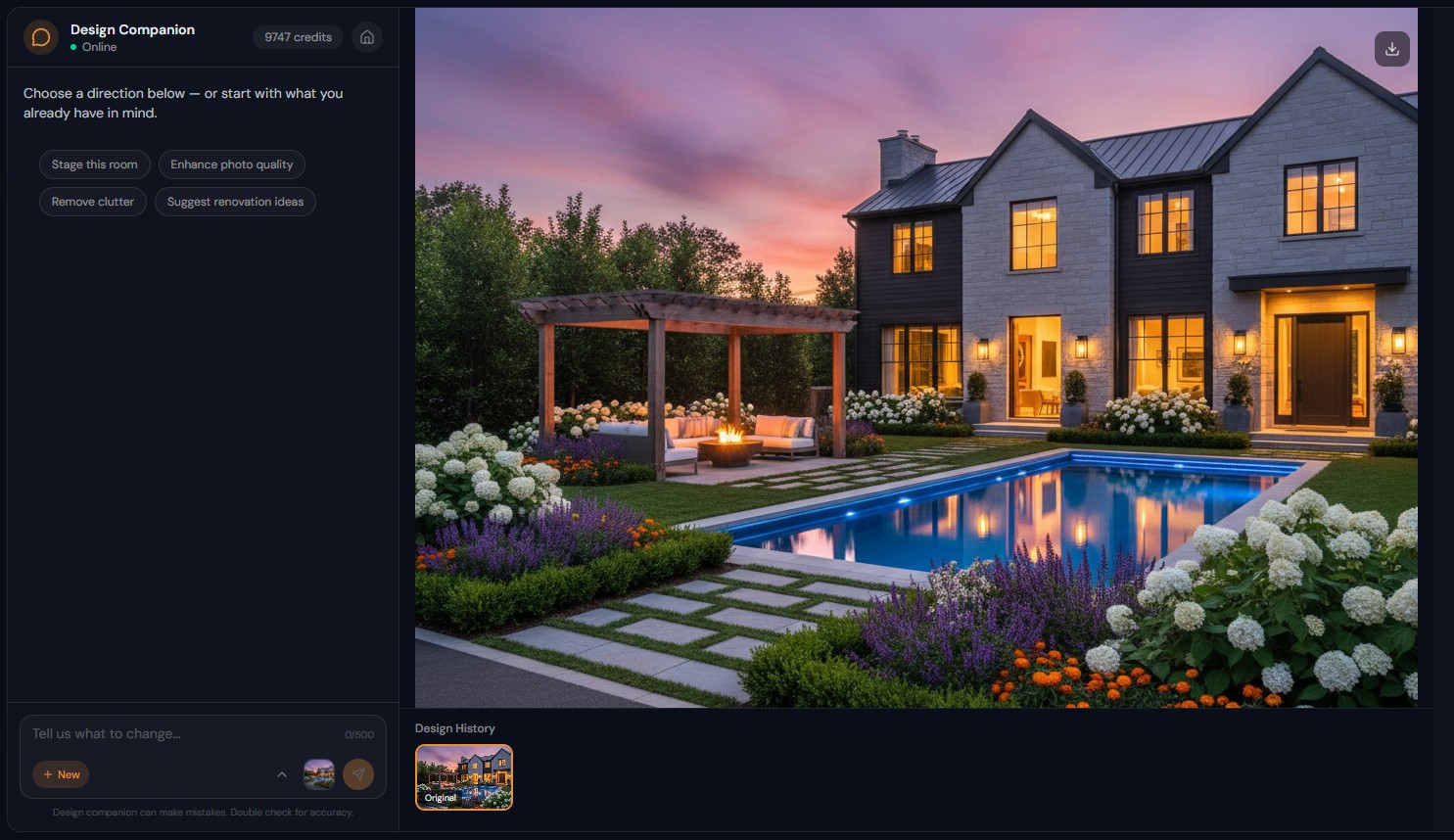
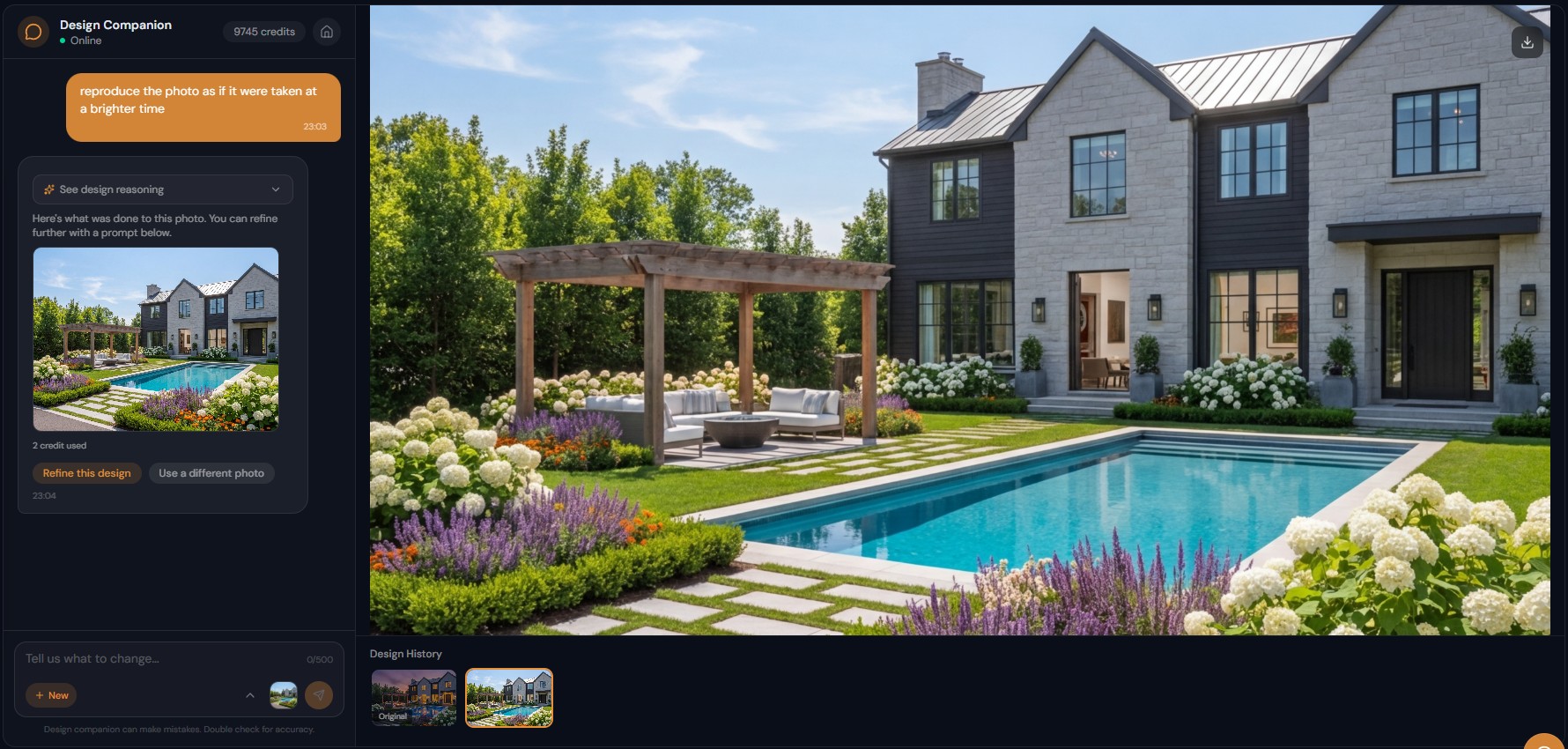
Features
Interior designers describe a concept, such as "this room in mid-century modern with walnut furniture", and show clients several directions from one photo.
How Do Interior Designers Use Design Companion?
Generate client presentations in 90 seconds — describe design concepts and see photorealistic results on actual room photos
What Design Tasks Does Conversational AI Accelerate?
Real-time collaborative design sessions — iterate based on client feedback during meetings instead of preparing revisions afterward
Why Is Chat-Based Design Faster Than 3D Rendering?
Test materials, styles, and layouts rapidly — marble vs quartz, modern vs traditional, warm vs cool — all through conversation
How It Works
Get professional results in three simple steps
Drop your photos here
or browse files
Upload Your Photos
Drag and drop your photos or browse to upload them. Roomagen accepts JPEG, PNG and WebP files up to 50 MB each.
AI Processing
Our advanced AI analyzes your images and applies professional enhancements automatically. Choose from virtual staging, enhancement, object removal, or day-to-dusk conversion.
Download Results
Preview your transformed images and download high-resolution results ready for listings, marketing materials, social media, and more. No watermarks on premium plans.
Why Choose Roomagen
Generate Client Presentations from Room Photos and Text Descriptions
Generate client presentations in 90 seconds — describe design concepts and see photorealistic results on actual room photos
Style Exploration, Material Selection, and Layout Iteration Through Chat
Real-time collaborative design sessions — iterate based on client feedback during meetings instead of preparing revisions afterward
Present Multiple Concepts Without 3D Modeling Software
Test materials, styles, and layouts rapidly — marble vs quartz, modern vs traditional, warm vs cool — all through conversation
Who Is It For?
Residential Interior Designers
Present 3-5 design concepts per room to homeowner clients in the same meeting — generate each from a description, compare side by side, and refine the chosen direction through conversation.
Commercial Design Firms
Rapid concept development for office, hospitality, and retail projects — test design directions on actual space photos before committing to detailed 3D documentation.
E-Design Professionals
Serve remote clients by generating design concepts from photos they send — the entire design process happens through conversation without site visits.
Traditional rendering workflow: photograph room → model in 3D → texture and light → render (4-8 hours). Design Companion workflow: upload photo → describe concept → present (90 seconds). The speed difference transforms client interactions from pre-prepared presentations to collaborative real-time design sessions.
| Design Companion | 3D Rendering (SketchUp/3ds Max) | Mood Board Only | |
|---|---|---|---|
| Setup time | Upload photo + type | Model room in 3D | Collect inspiration images |
| Per-concept time | 90 seconds | 4-8 hours | 30-60 minutes |
| Visualization | Photorealistic on actual room | Photorealistic 3D render | Reference images only |
| Client collaboration | Real-time iteration | Pre-prepared revisions | Abstract visualization |
| Cost per concept | 2 credits ($0.23-$0.40) | Software + labor | Time only |
Frequently Asked Questions
Everything you need to know about Roomagen
Upload a client room photo, describe the design concept — "mid-century modern with walnut furniture, warm neutrals, and brass accents" — and generate a photorealistic preview for client presentation in 90 seconds.
Yes. Generate modern, transitional, and traditional versions of the same room in minutes. Show clients all options side by side from your session history for collaborative decision-making.
Design Companion generates photorealistic previews in 90 seconds from room photos. 3D rendering requires modeling, texturing, and rendering — taking 4-8 hours per concept. Chat-based design is faster for concept exploration.
Yes. "Restoration Hardware Cloud sofa in Belgian linen, marble Saarinen coffee table, Persian rug" — the AI interprets specific product references and generates visual approximations.
Yes. Generated images are photorealistic and high-resolution. Many designers use them directly in client presentations, proposals, and mood boards alongside physical material samples.
Yes. "Show marble countertops" then "try quartzite instead" then "what about butcher block" — test material options rapidly through conversation with instant visual feedback.
Yes. Office redesign, hotel room concepts, restaurant interiors, retail spaces — describe the intended aesthetic and the AI generates appropriate design visualizations.
Yes. Download high-resolution images from chat sessions. Include in design proposals, mood boards, Pinterest boards, or client presentations.
The Business plan at $79/month provides 700 credits — approximately 350 design concept generations per month. Most firms find this covers multiple active client projects.
Yes. During a client meeting, type their requests and show results in real-time. "Make the sofa lighter," "add more plants," "try a darker wall color" — iterate based on client feedback instantly.
Part of
AI Chat Photo EditorMore From This Family
- AI Real Estate Photo Editing Chat
- AI Home Design Assistant for Homeowners
- AI Airbnb Listing Photo Editor
- AI Photo Editor Chat for Photographers
- AI Visualization Chat for Architects
- AI Virtual Staging by Chat
- AI Room Redesign Chat
- Enhance Photo Quality by Chat
- AI Home Remodel Visualizer Chat
- AI Room Cleaner Chat
- AI Landscaping Chat
- Change Room Colors by Chat
Explore Related Tools
Discover more AI-powered tools to enhance your visual content
AI Chat Photo Editor — Edit Any Photo by Typing What You Want
Type what you want changed and the Design Companion edits your interior or exterior photo: stage, recolor, remove objects. 2 credits per edit, under 90 seconds.
Learn moreRedesign Your Room With AI — 13 Styles, Usually in Under a Minute
Restyle a furnished room without moving a thing: AI replaces the furniture in one of 13 styles, from modern to farmhouse and luxury, while walls and floors stay.
Learn moreCountertop and Backsplash Visualizer — Try New Surfaces on Your Photo
Preview new countertops, backsplashes and wall finishes on your room photo side by side, while the furniture and layout stay the same. 2 credits per image.
Learn moreVirtual Home Renovation Service — AI Remodeling for Real Estate and More
Show a room after renovation: AI updates cabinets, countertops, flooring, tile and fixtures in one pass, in 20–40 seconds, before you sell, lease or redesign.
Learn moreVirtual Staging for Apartments and Homes Still Under Construction
Marketing images of rooms still under construction: AI turns site photos with framing, pipes or drywall into finished, furnished interiors in under 90 seconds.
Learn more