
AI Room Redesign Chat — Swap Furniture, Colors and Materials by Typing
Roomagen AI Room Redesign Chat restyles a room that already has furniture: you type the changes you want and the AI replaces furniture, updates colors and swaps materials while keeping the room's architecture.
Redesigning a furnished room with traditional tools requires multiple separate operations — one for furniture replacement, another for wall colors, a third for flooring. Each tool works independently with no context of previous changes. Chat-based redesign handles the entire transformation in one conversation, with each instruction building on the last result.
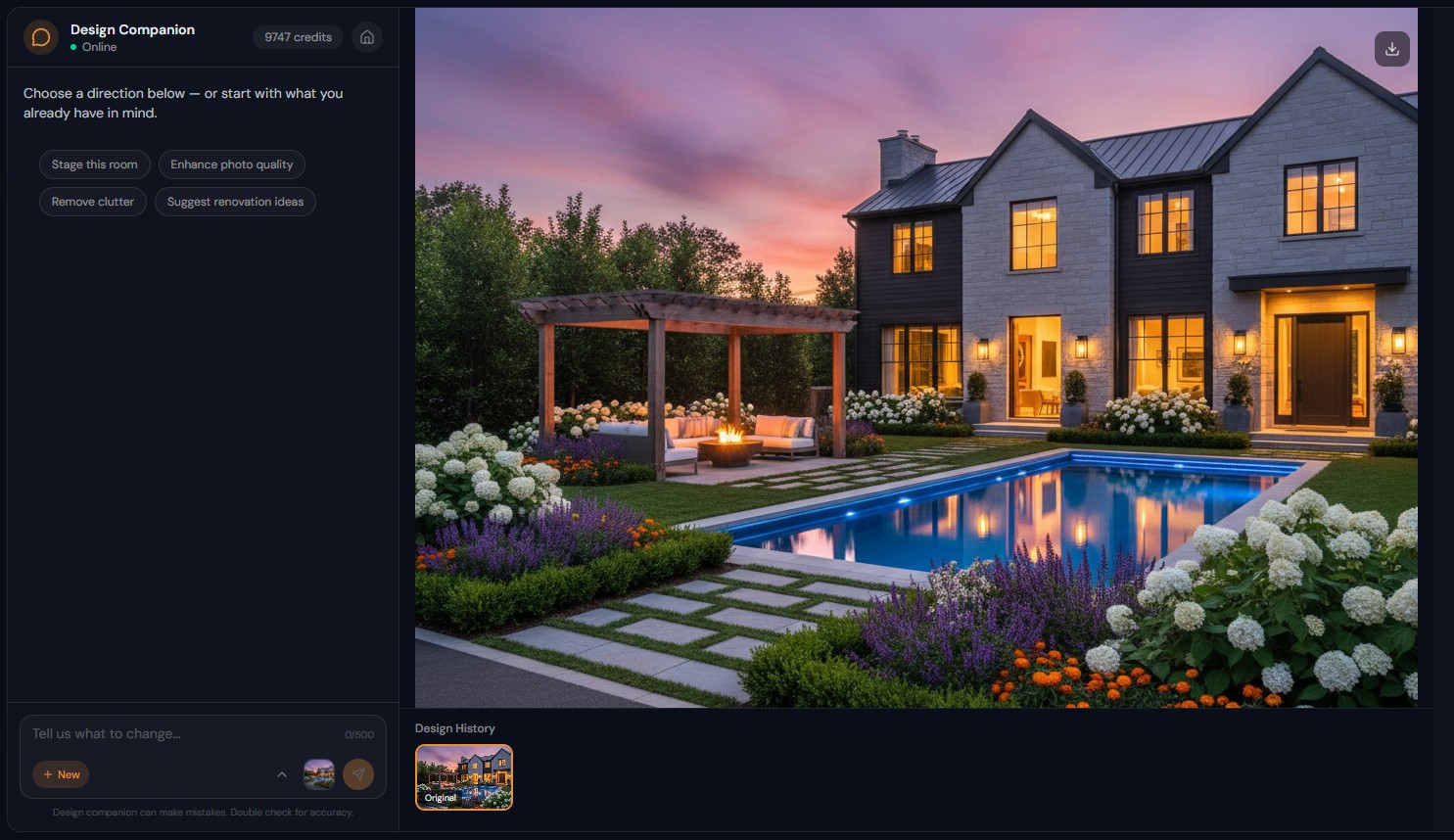
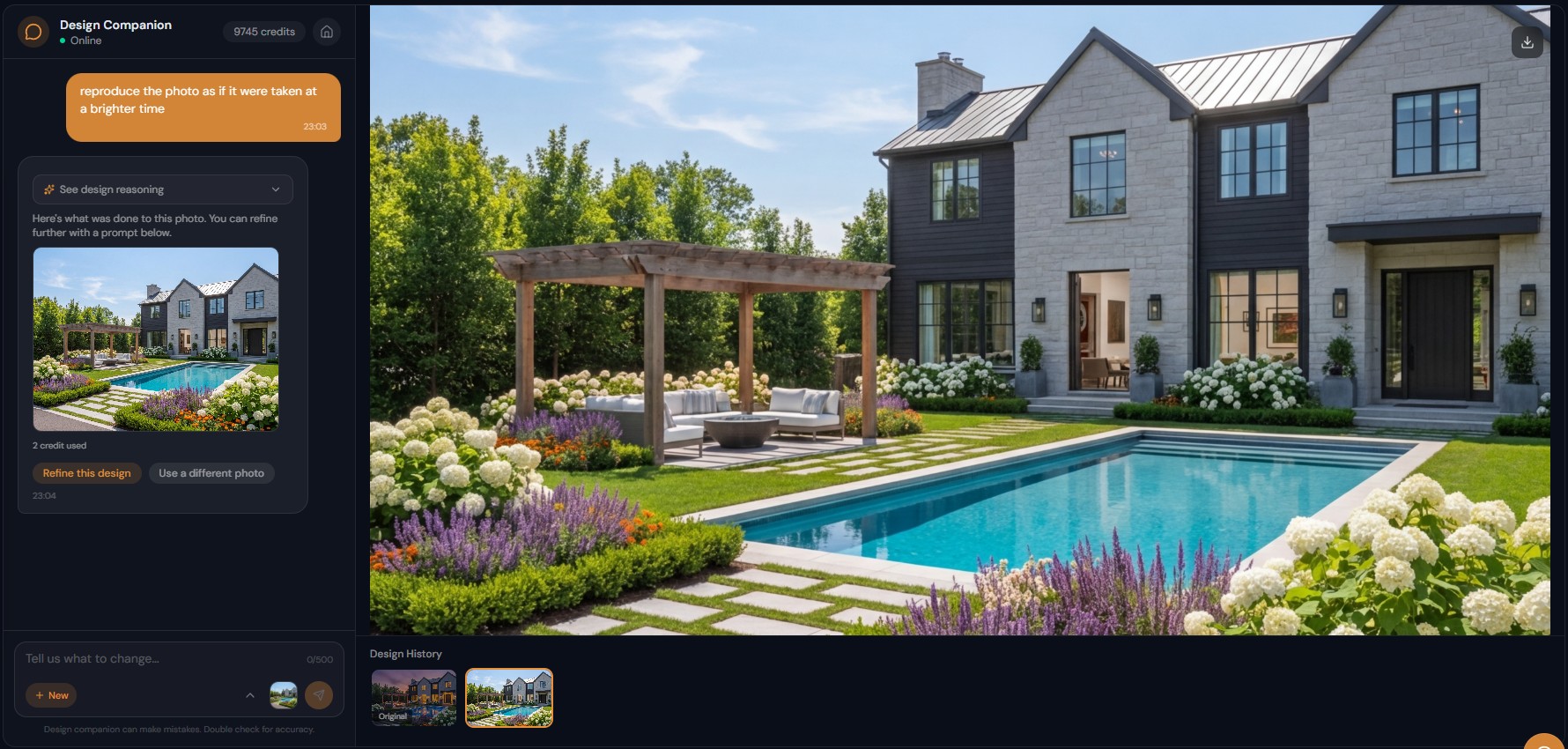
Features
Redesign a furnished room by typing what to change, such as "replace the dark furniture with light Scandinavian pieces". Walls and windows stay in place.
How Does Conversational Room Redesign Work?
Multi-element redesign in one conversation — furniture, walls, floors, and accessories updated cohesively
What Redesign Changes Can You Make Through Chat?
Granular control with natural language — change one piece or transform the entire room in a single instruction
Why Is Chat-Based Redesign Better for Complex Projects?
Context-aware iterations that preserve previous changes — no re-uploading or starting over between edits
How It Works
Get professional results in three simple steps
Drop your photos here
or browse files
Upload Your Photos
Drag and drop your photos or browse to upload them. Roomagen accepts JPEG, PNG and WebP files up to 50 MB each.
AI Processing
Our advanced AI analyzes your images and applies professional enhancements automatically. Choose from virtual staging, enhancement, object removal, or day-to-dusk conversion.
Download Results
Preview your transformed images and download high-resolution results ready for listings, marketing materials, social media, and more. No watermarks on premium plans.
Why Choose Roomagen
Describe the New Look and AI Transforms the Room
Multi-element redesign in one conversation — furniture, walls, floors, and accessories updated cohesively
Furniture, Colors, Materials, Layouts — All Through Text
Granular control with natural language — change one piece or transform the entire room in a single instruction
Complex Multi-Step Redesigns Without Re-Uploading
Context-aware iterations that preserve previous changes — no re-uploading or starting over between edits
Who Is It For?
Interior Designers Presenting Options
Show clients three different redesign directions for their living room — traditional to modern, dark to light, casual to formal — all generated through conversation in minutes.
Homeowners Exploring Renovation Ideas
See what your dated bathroom would look like with new fixtures, tiles, and paint before hiring a contractor — describe changes naturally and see photorealistic previews.
Real Estate Agents Updating Dated Listings
Transform photos of outdated properties — "modernize this 1990s kitchen" generates contemporary cabinetry, countertops, and fixtures that help buyers see past the current condition.
A full room redesign through separate tools requires 4-6 individual tool executions at 2 credits each. Design Companion achieves multi-element redesigns in 2-3 conversational steps because the AI understands context — "modernize everything" triggers comprehensive changes in a single generation.
| Chat Redesign | Standalone Redesign Tool | Professional Designer | |
|---|---|---|---|
| Input | Describe changes in text | Select style from dropdown | Brief + consultation |
| Iterations | Unlimited follow-up messages | New submission per change | 2-3 revision rounds |
| Granularity | Any level of detail | Full-room style only | Full control |
| Turnaround | 90 seconds per edit | 90 seconds | 1-2 weeks |
| Cost | 2 credits per generation | 2 credits | $500-$5,000 |
Frequently Asked Questions
Everything you need to know about Roomagen
Upload a photo of the furnished room and describe what you want changed. "Replace all dark wood furniture with white modern pieces" or "give this room a coastal makeover" — the AI handles the transformation.
Yes. Start with "change the wall color to sage green," then "swap the sofa for a lighter one," then "replace the rug." Each step builds on the previous result for precise control over the redesign.
Architectural elements — walls, windows, doors, built-ins — are preserved. The AI replaces furniture and finishes while maintaining the spatial layout and room proportions.
Yes. "Transform this traditional living room into a modern minimalist space" triggers comprehensive changes — furniture, colors, textures, and accessories are all updated to match the requested style.
Describe what to revert — "put back the original wood floors" or "undo the wall color change." The AI adjusts while keeping other modifications intact. You can also revert to any previous version in session history.
The standalone tool applies a single style transformation via form selection. Chat redesign allows granular, multi-step changes with conversational refinement — better for complex projects requiring specific adjustments.
Yes. Offices, restaurants, hotel rooms, retail stores — describe the intended aesthetic and the AI redesigns accordingly. "Make this office feel more like a tech startup" or "give this restaurant a rustic Italian feel."
Each image generation costs 2 credits. A simple one-step redesign costs 2 credits. A detailed multi-step redesign (walls, then furniture, then flooring) might cost 6-8 credits across 3-4 generations.
Yes. Request "mid-century modern," "japandi," "art deco," "industrial," or any of 13 named styles. You can also describe custom aesthetics — "warm minimalism with natural materials" — and the AI interprets accordingly.
All versions are saved in your session. View the original upload alongside any redesigned version. Share the before/after comparison directly from your chat history.
Part of
AI Chat Photo EditorMore From This Family
- AI Virtual Staging by Chat
- Enhance Photo Quality by Chat
- AI Home Remodel Visualizer Chat
- AI Room Cleaner Chat
- AI Landscaping Chat
- Change Room Colors by Chat
- AI Real Estate Photo Editing Chat
- AI Design Chat for Interior Designers
- AI Home Design Assistant for Homeowners
- AI Airbnb Listing Photo Editor
- AI Photo Editor Chat for Photographers
- AI Visualization Chat for Architects
Explore Related Tools
Discover more AI-powered tools to enhance your visual content
AI Chat Photo Editor — Edit Any Photo by Typing What You Want
Type what you want changed and the Design Companion edits your interior or exterior photo: stage, recolor, remove objects. 2 credits per edit, under 90 seconds.
Learn moreRedesign Your Room With AI — 13 Styles, Usually in Under a Minute
Restyle a furnished room without moving a thing: AI replaces the furniture in one of 13 styles, from modern to farmhouse and luxury, while walls and floors stay.
Learn moreCountertop and Backsplash Visualizer — Try New Surfaces on Your Photo
Preview new countertops, backsplashes and wall finishes on your room photo side by side, while the furniture and layout stay the same. 2 credits per image.
Learn moreFurniture Facelift — Furniture Image Retouching for Color, Fabric, Finish
Change the color, fabric or finish of furniture in a photo while its shape stays the same — refresh dated pieces or catalog images without a reshoot.
Learn moreVirtual Paint Staging — Repaint a Room's Walls in Any Color on Your Photo
Preview paint colors on your room's walls before painting, with realistic lighting; enter any shade as a hex code. Usually under a minute, 2 credits per image.
Learn more