
AI Design Reasoning — Understand Why the AI Made Each Choice
Roomagen AI Design Reasoning reveals the logic behind every AI design decision — each edit includes an explanation of why specific colors, furniture styles, spatial arrangements, and materials were selected, helping users understand and refine AI-generated results.
Black-box AI tools generate results with no explanation. Users accept or reject without understanding why certain choices were made — making it impossible to refine instructions effectively. Design Reasoning opens the decision process, explaining why the AI chose sage green over olive, why a specific sofa was placed at that angle, or why certain accessories were added.
Features
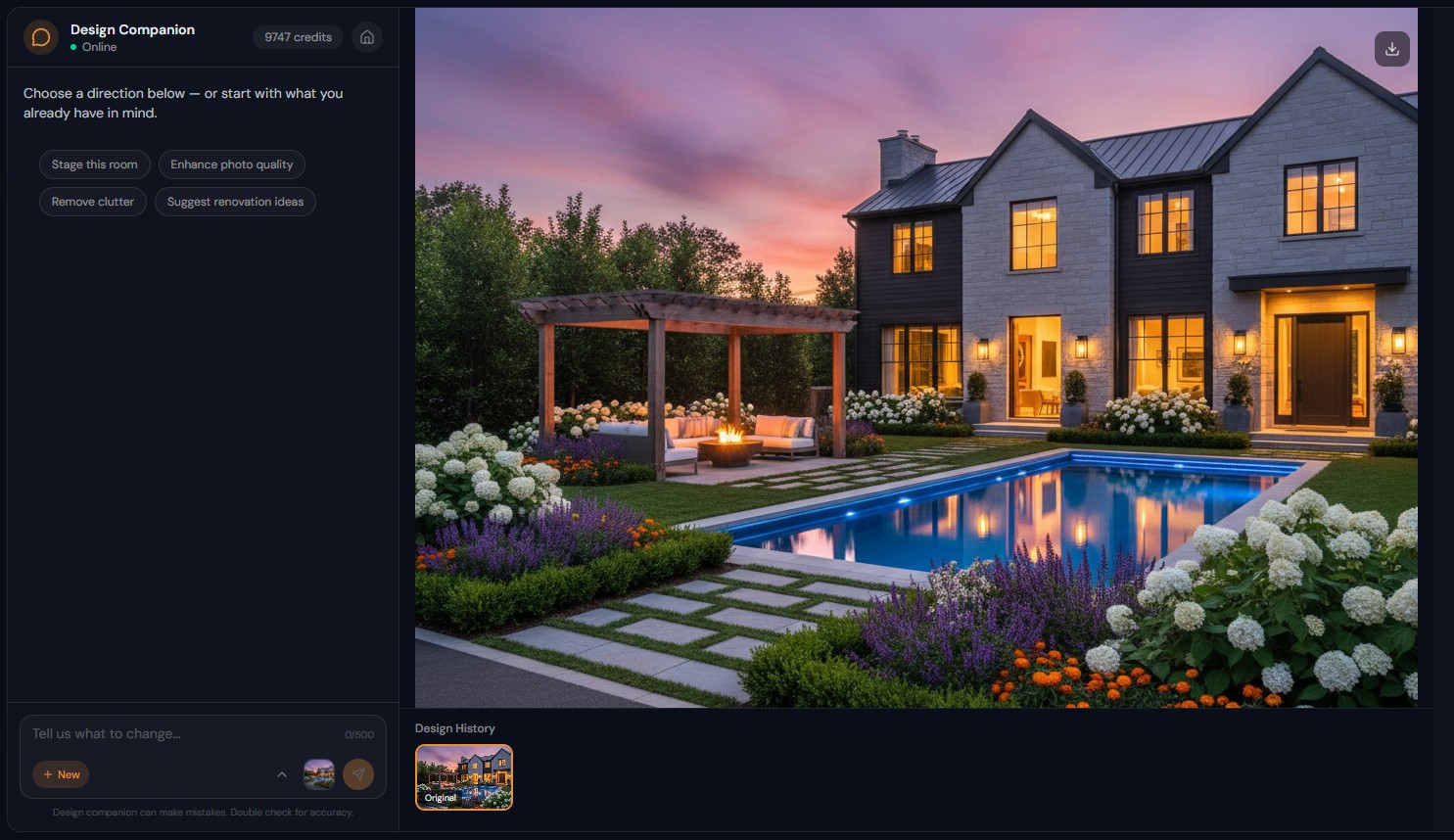
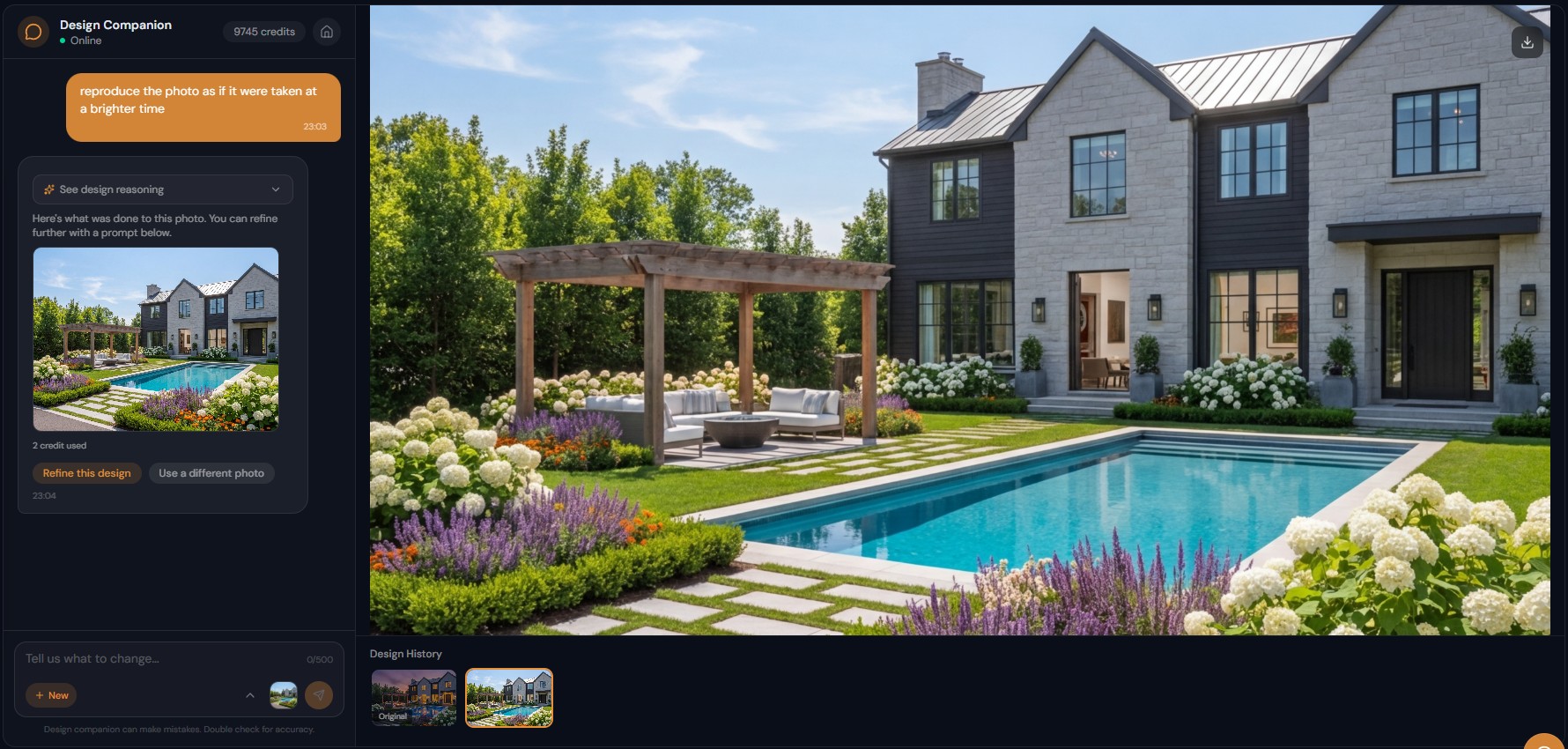
Every Design Companion edit comes with a short note on why those colors, furniture or layouts were chosen, so you can refine your next instruction.
What Is AI Design Reasoning?
Every AI edit includes a transparent explanation of design choices — color theory, spatial logic, and style principles made visible
How Does the AI Explain Its Design Decisions?
Learn design principles through use — understand why certain combinations work and apply that knowledge to future instructions
Why Does Understanding AI Reasoning Improve Results?
Catch misinterpretations early — verify AI reasoning matches your intent before iterating further
How It Works
Get professional results in three simple steps
Drop your photos here
or browse files
Upload Your Photos
Drag and drop your photos or browse to upload them. Roomagen accepts JPEG, PNG and WebP files up to 50 MB each.
AI Processing
Our advanced AI analyzes your images and applies professional enhancements automatically. Choose from virtual staging, enhancement, object removal, or day-to-dusk conversion.
Download Results
Preview your transformed images and download high-resolution results ready for listings, marketing materials, social media, and more. No watermarks on premium plans.
Why Choose Roomagen
Every Edit Includes an Explanation of the Design Logic
Every AI edit includes a transparent explanation of design choices — color theory, spatial logic, and style principles made visible
Color Theory, Spatial Awareness, and Style Principles Made Visible
Learn design principles through use — understand why certain combinations work and apply that knowledge to future instructions
Learn from AI Reasoning to Write Better Instructions
Catch misinterpretations early — verify AI reasoning matches your intent before iterating further
Who Is It For?
Design Students and Learners
Learn design principles by studying AI reasoning — understand why certain color combinations work, how furniture scale affects space perception, and what creates visual balance.
Homeowners Making Decisions
Understand why the AI chose specific options — "sage green was selected because it complements the warm wood tones and adds calm energy" — make informed decisions rather than accepting blindly.
Designers Evaluating AI Output
Verify the AI reasoning aligns with your design intent — catch misinterpretations early and refine instructions for better results in fewer iterations.
Most AI design tools output an image with no context. Roomagen Design Reasoning provides a detailed explanation alongside every generated image — similar to how a human designer would explain their choices to a client. This transparency builds trust and enables better creative collaboration.
| With Design Reasoning | Without Reasoning (Most AI Tools) | |
|---|---|---|
| Decision transparency | Full explanation provided | Black box — no context |
| Learning opportunity | Design principles explained | No educational value |
| Instruction refinement | Understand misinterpretations | Trial and error only |
| Client communication | Share AI rationale | Accept or reject only |
| Trust in results | Verified logic | Blind acceptance |
Frequently Asked Questions
Everything you need to know about Roomagen
A feature that provides a written explanation alongside every AI-generated design edit. The reasoning explains why specific colors, furniture, materials, and layouts were chosen — making the AI decision process transparent.
After every image generation, an expandable "See design reasoning" section appears below the result. Click to reveal the explanation. Reasoning is provided in your selected language.
Color theory explanations, spatial relationship analysis, style principle references, material compatibility reasoning, and audience-appropriate design choices. The depth varies based on the complexity of the edit.
Yes. If the AI reasoning shows it interpreted your request differently than intended, you understand the gap and can provide clearer follow-up instructions. Over time, users learn which descriptions produce the best results.
Yes. Every image generation includes reasoning. Simple edits like "brighten the photo" include brief reasoning. Complex edits like "redesign in mid-century modern" include detailed style analysis.
No. Reasoning is generated automatically with every edit at no additional cost. The reasoning text accompanies the image generation within the same 2-credit charge.
Yes. Regular users report learning about color theory, furniture scale, style conventions, and spatial design through AI reasoning. It functions as built-in design education with practical, contextual examples.
Reasoning reflects the AI current understanding of design principles. While generally accurate, it may occasionally oversimplify complex design decisions. Use reasoning as guidance, not absolute authority.
Yes. The reasoning text is part of the chat session and can be copied or screenshotted. Useful for sharing design rationale with clients, contractors, or family members.
Reasoning is generated in the same language as your conversation. If you type instructions in Turkish, reasoning appears in Turkish. Supports all 9 platform languages.
Part of
AI Chat Photo EditorMore From This Family
- Natural Language Photo Editing
- Iterative AI Photo Editing
- Conversational AI Interior Design
- AI Virtual Staging by Chat
- AI Room Redesign Chat
- Enhance Photo Quality by Chat
- AI Home Remodel Visualizer Chat
- AI Room Cleaner Chat
- AI Landscaping Chat
- Change Room Colors by Chat
- AI Real Estate Photo Editing Chat
- AI Design Chat for Interior Designers
Explore Related Tools
Discover more AI-powered tools to enhance your visual content
AI Chat Photo Editor — Edit Any Photo by Typing What You Want
Type what you want changed and the Design Companion edits your interior or exterior photo: stage, recolor, remove objects. 2 credits per edit, under 90 seconds.
Learn moreFree AI Virtual Staging — Furnish Any Empty Room, Change Walls and Floors
Stage empty rooms online with AI, usually in under a minute: 13 design styles and 15 room types for listings, rentals and hotels. 6 free credits, no credit card.
Learn moreRedesign Your Room With AI — 13 Styles, Usually in Under a Minute
Restyle a furnished room without moving a thing: AI replaces the furniture in one of 13 styles, from modern to farmhouse and luxury, while walls and floors stay.
Learn moreVirtual Staging for Apartments and Homes Still Under Construction
Marketing images of rooms still under construction: AI turns site photos with framing, pipes or drywall into finished, furnished interiors in under 90 seconds.
Learn moreAI Interior Rendering — Finished, Furnished Rooms from Construction Photos
Turn a photo of an unfinished interior into a finished, furnished room for new construction, renovations or design reviews, in one of 13 styles.
Learn more