
Conversational AI Interior Design — Talk Through a Room, See It Designed
Conversational AI interior design on Roomagen replaces form-based tool interfaces with natural dialogue — users describe spaces they want to create, and the AI guides the process through questions, suggestions, and instant photorealistic visualizations.
Traditional design tools put interface complexity between the user and their vision. Learning Photoshop takes months. Learning SketchUp takes weeks. Even simplified AI tools require form-filling and option-selecting. Conversational design removes the interface entirely — the conversation IS the interface. Describe, see, refine, repeat.
Features
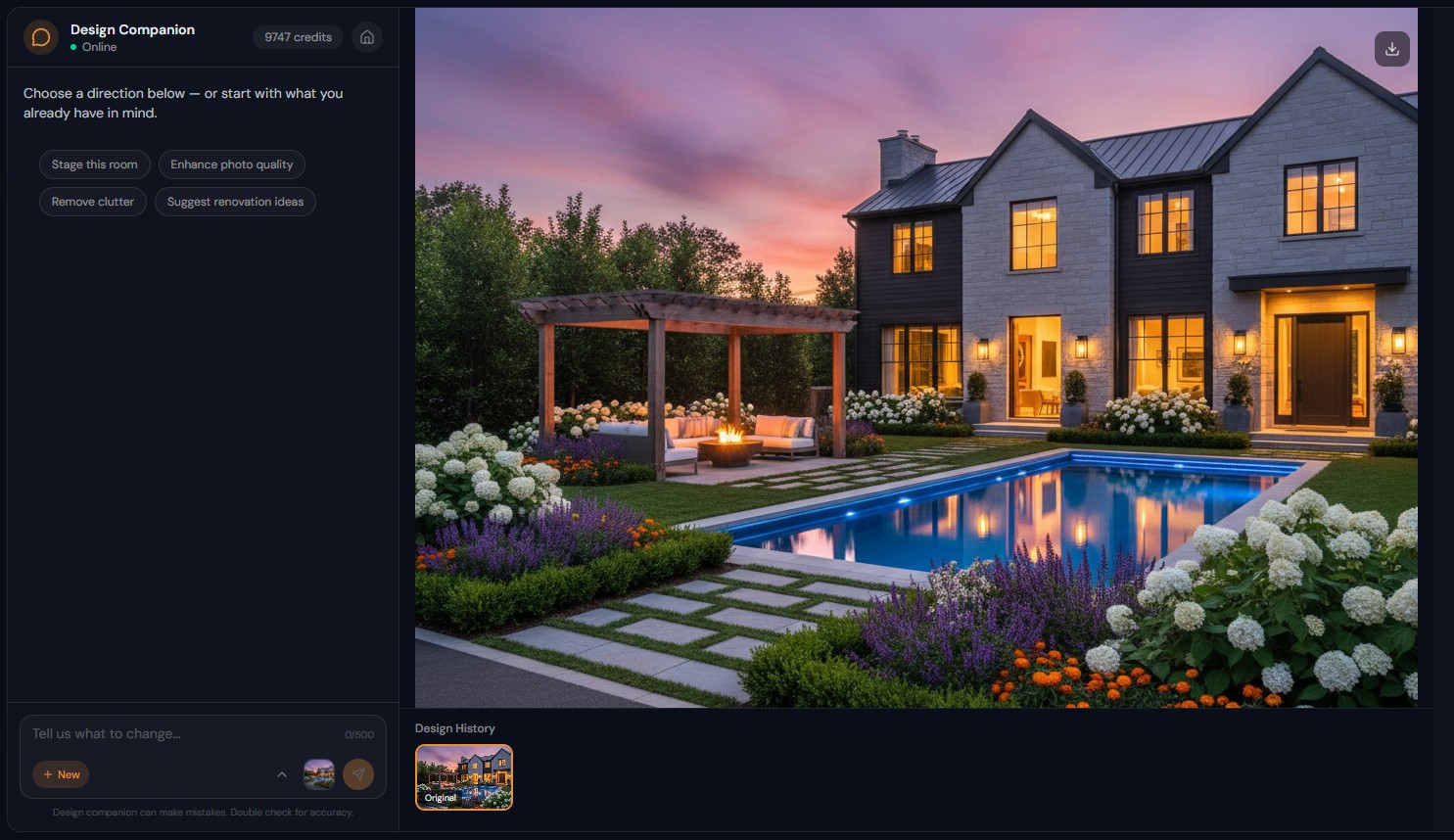
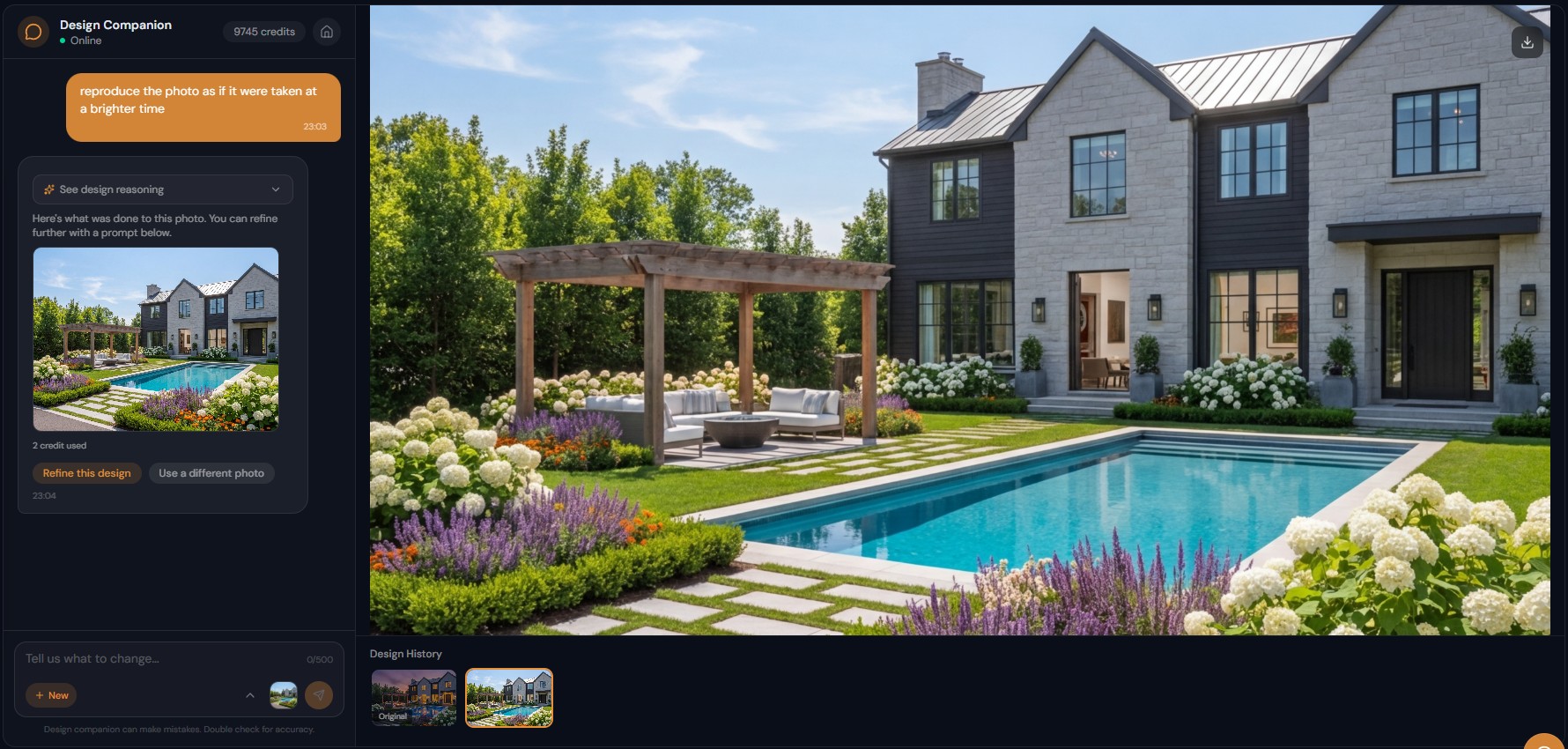
Describe the space you want in a chat; the AI asks clarifying questions, suggests options and shows photorealistic designs on your own room photo.
What Makes Conversational AI Design Different?
Design through dialogue — the conversation IS the interface, no forms, dropdowns, or configuration panels
How Does Chat Change the Interior Design Process?
Collaborative AI that asks questions, suggests options, and adapts to your creative direction in real-time
What Problems Does Conversational Design Solve?
From idea to photorealistic visualization in a single conversation — 40+ tools working behind one natural interface
How It Works
Get professional results in three simple steps
Drop your photos here
or browse files
Upload Your Photos
Drag and drop your photos or browse to upload them. Roomagen accepts JPEG, PNG and WebP files up to 50 MB each.
AI Processing
Our advanced AI analyzes your images and applies professional enhancements automatically. Choose from virtual staging, enhancement, object removal, or day-to-dusk conversion.
Download Results
Preview your transformed images and download high-resolution results ready for listings, marketing materials, social media, and more. No watermarks on premium plans.
Why Choose Roomagen
Design Through Dialogue Instead of Interface Navigation
Design through dialogue — the conversation IS the interface, no forms, dropdowns, or configuration panels
The AI Asks Questions, Suggests Options, and Iterates With You
Collaborative AI that asks questions, suggests options, and adapts to your creative direction in real-time
From Idea to Visualization in a Single Conversation
From idea to photorealistic visualization in a single conversation — 40+ tools working behind one natural interface
Who Is It For?
Anyone With a Design Vision
You know what you want but not how to create it digitally. Describe your vision in words and see it realized — no software skills, no technical knowledge, no design vocabulary required.
Interior Design Enthusiasts
Explore design ideas through natural conversation — "what would a japandi living room look like?" or "suggest a color palette for my bedroom" — the AI responds with both advice and visuals.
Design Professionals Seeking Speed
Skip the tools-and-menus workflow for rapid concept exploration. Describe ideas, generate visualizations, iterate through conversation — 10x faster than traditional design software.
Tool-based design: user learns interface → finds correct tool → configures options → submits → reviews → repeats. Conversational design: user describes vision → AI generates → user describes refinements → AI adjusts. The conversation model reduces cognitive load by 80% and eliminates all interface learning.
| Conversational Design | Form-Based AI Tools | Design Software | |
|---|---|---|---|
| Interface | Natural text conversation | Forms and dropdowns | Menus, panels, toolbars |
| Learning curve | Zero — talk naturally | Per-tool configuration | Weeks to months |
| Design guidance | AI suggests and asks questions | None — user decides | None — user decides |
| Iteration speed | Follow-up message | New submission | Manual adjustments |
| Cognitive load | Minimal — just describe | Moderate — navigate options | High — manage tools |
Frequently Asked Questions
Everything you need to know about Roomagen
An approach where design happens through natural dialogue instead of software interfaces. You describe what you want, the AI generates it, you refine through follow-up conversation. The chat IS the design tool.
Regular tools use forms, dropdowns, and configuration panels. Conversational design uses only text — describe what you want in your own words. The AI handles tool selection, configuration, and execution behind the scenes.
Yes. Ask "what style would work best for a small living room?" or "suggest a color palette that works with oak floors" — the AI provides design advice and can generate visualizations of its suggestions.
Yes. If your request is ambiguous, the AI asks questions before proceeding — "Do you want modern or traditional styling?" or "Should I keep the current furniture or replace it?" Clarification is free.
Yes. Explore ideas collaboratively — "I like the sofa but the rug feels wrong," "what about adding more plants?" "try warmer lighting." The conversation flows naturally like working with a human designer.
Yes. Interior designers, architects, and real estate professionals use conversational design for rapid concept development, client presentations, and design exploration. The speed advantage is significant for professional workflows.
Describe the new direction — "actually, let us try a completely different approach" or "go back to the scandinavian version." The AI adapts instantly. Changing direction is as easy as saying so.
Intent parsing analyzes your message and maps it to the appropriate tool from 40+ options. "Add plants" maps to furniture/object addition. "Change the wall color" maps to wall paint. "Make it brighter" maps to enhancement. Tool selection is invisible.
Yes. Offices, restaurants, hotels, retail stores, salons — describe the intended aesthetic and function in conversation. "Design a modern coworking space with phone booths and collaboration areas" generates appropriate results.
Pinterest shows other people rooms. Conversational AI design shows YOUR room transformed. The visualization happens on your actual space with your lighting, dimensions, and architectural features — not a generic render.
Part of
AI Chat Photo EditorMore From This Family
- Natural Language Photo Editing
- Iterative AI Photo Editing
- AI Design Reasoning
- AI Virtual Staging by Chat
- AI Room Redesign Chat
- Enhance Photo Quality by Chat
- AI Home Remodel Visualizer Chat
- AI Room Cleaner Chat
- AI Landscaping Chat
- Change Room Colors by Chat
- AI Real Estate Photo Editing Chat
- AI Design Chat for Interior Designers
Explore Related Tools
Discover more AI-powered tools to enhance your visual content
AI Chat Photo Editor — Edit Any Photo by Typing What You Want
Type what you want changed and the Design Companion edits your interior or exterior photo: stage, recolor, remove objects. 2 credits per edit, under 90 seconds.
Learn moreRedesign Your Room With AI — 13 Styles, Usually in Under a Minute
Restyle a furnished room without moving a thing: AI replaces the furniture in one of 13 styles, from modern to farmhouse and luxury, while walls and floors stay.
Learn moreFree AI Virtual Staging — Furnish Any Empty Room, Change Walls and Floors
Stage empty rooms online with AI, usually in under a minute: 13 design styles and 15 room types for listings, rentals and hotels. 6 free credits, no credit card.
Learn moreCountertop and Backsplash Visualizer — Try New Surfaces on Your Photo
Preview new countertops, backsplashes and wall finishes on your room photo side by side, while the furniture and layout stay the same. 2 credits per image.
Learn moreHow to Add Furniture to a Photo — Place Any Object with Realistic Shadows
Add a sofa, TV, plant or any object to a room photo with AI, matched to the room's perspective with realistic shadows. No Photoshop needed; 6 free credits.
Learn more